
Cast for Chromecast +
Content to your device
DATA PROTECTION SERVICES OOD
iPhone Screenshots


Description
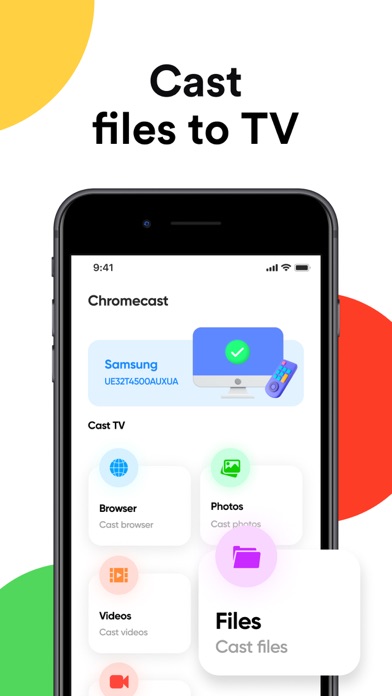
Content from devices to by connecting to the same Wi-Fi network. Select and send web, video, image, or audio files to compatible devices. Manage connections and media directly through the interface.
The app can easy cast web, video, image, audio to all smart Chromecast devices.
How to use:
1. Make sure your TV and phone/tablet are all connected to the same Wi-Fi network;
2. Connect to your Chromecast device in our app
3. Enjoy Cast to TV
Disclaimer: This app is not affiliated with Google or any other trademark mentioned here. Chromecast is a trademark of Google LLC.
Subscription pricing and terms:
The app offers an auto-renewing subscription to provide you with unlimited access to all features while you maintain an active subscription.
Payment will be charged to the credit card connected to your iTunes Account when you confirm the initial subscription purchase. Subscriptions automatically renew unless auto-renew is turned off at least 24-hours before the end of the current subscription period. Your account will be charged for renewal within 24-hours prior to the end of the current period, and the cost of the renewal will be identified. You may manage your subscription and auto-renewal may be turned off by going to your Account Settings after the purchase.
Privacy Policy:
https://docs.google.com/document/d/1SBlzOZ6zoAZ5oUMCQF8tiO4tLgxMNVq1k7-gifnFJj0/edit?usp=sharing
Terms of Use:
https://docs.google.com/document/d/1aUmC-p4q3dyo_j6nkuzwULTtlDnlGx-RIlvX4cypJxo/edit?usp=sharing