
Guitar Fretboard: Scales
Play notes, learn , train your ear
Nazar Vorotniak
iPhone Screenshots


Description
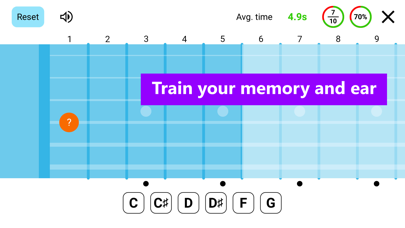
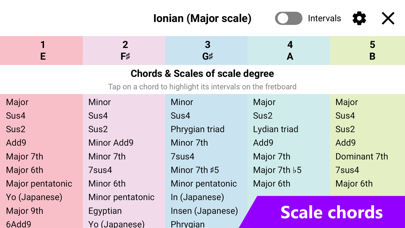
Learn and memorize the fretboard through interactive trainer games. Customize scale and chord displays with note intervals and modes. Highlight chords on and view scale degree chords.
Guitar Fretboard app is designed to help you learn scales, memorize the fretboard and train your ear via a wide range of fretboard trainer games (note, interval, scale, ear). Allows to customize every aspect of displaying a scale or a chord's notes/intervals on a guitar fretboard. Also shows each scale degree chords and modes with ability to highlight a chord on a scale.
App is catered more to learning scales than chords but chords are also present and have chord shapes for main chords for 6/7 string guitar, 4/5 string bass and ukulele.
Features:
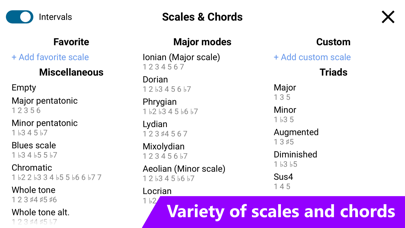
- 45+ scales (Major scale modes, Harmonic minor scale modes, Melodic minor scale modes, Major/Minor pentatonic, Exotic scales, Bebop scales) and 35+ chords
- Ability to add custom scales and chords
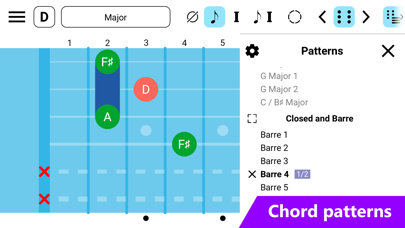
- 1600+ patterns for scales (CAGED, 3 notes per string) and shapes for chords (Triads, Barre, Open, Closed)
- Ability to add custom patterns/shapes
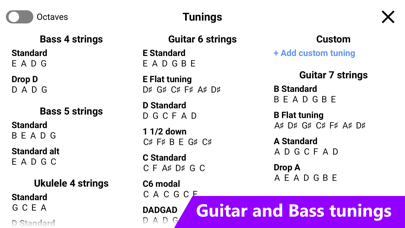
- 35+ tunings
- Interval/Note/Scale/Ear trainer
- Metronome
- Ability to add custom tunings
- Allows to change scale palette and add custom scale palettes
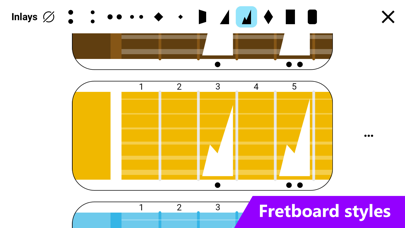
- Allows to change fretboard style and add customs styles
- 4 view modes including (no text, notes, intervals, both notes and intervals)
- Allows to highlight intervals of a scale
- Show/Hide notes outside of scale
- Left handed mode
- Zoom (use pinch gesture to zoom fretboard)
- Play notes (guitar and bass)
- Focus on scale notes only on specific area of a fretboard
- Dark theme
If you have any feature requests or encountered bugs please contact me at [email protected]
Terms of Use: https://vngames.github.io/GuitarFretboardTermsOfUse/