
WiFi Camera Monitor
Preview live, control phone lens, download recordings
SHIYU LIU
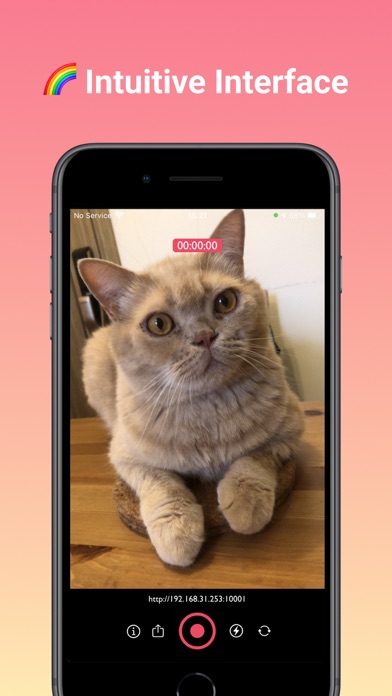
iPhone Screenshots


Description
Preview live feed from a phone on a PC browser. Control phone remotely. Download recorded video files. Requires same Wi-Fi connection between phone and PC. No additional software needed on PC. Designed for vloggers using phone as recording device.
WiFi Camera is an app that allows you to preview your phone camera by PC browser. By opening the browser, you can preview the camera live video, remote control your phone len and download the recorded video file. All these functions can be done without to internet connection.
It's a tailor-made app for VLogger, it can solve your pain point if you're using the phone as the vlog device.
No need to install extra software on your PC. After connecting your phone and PC with the same Wi-Fi, you can preview and control your phone camera remotely.
Feature Highlight:
- Preview your camera view remotely
- Support capturing 720p, 1080p
- Download the saved video files by your PC browser
- Start/stop capturing video remotely
- Turn on/off Flash remotely
- Switch Camera lenses remotely
If you want to have more advanced features, we have two subscription plan for you:
- Essentials Plan: 1. support 4K video recording 2. Remove the 10 minutes recording limit
- Pro plans: All features of Essentials and removes Ads
How to preview/control your camera remotely?
Step 1: Connect your phone to a Wi-Fi
Step 2: Open WiFi Camera App
Step 3: Copy the IP address listed on the main screen of the WiFi Monitor App
Step 4: Open your PC browser, and type the IP address in the address bar of your browser
Step 5: Great! In the PC browser, you will see the view of your phone's camera.
Support:
https://vlog-monitor.adamliu.app/
Contact:
adamliu2403+[email protected]