
Hayward Pro App
Configure pool systems remotely
Hayward Industries Inc.
iPhone Screenshots


Description
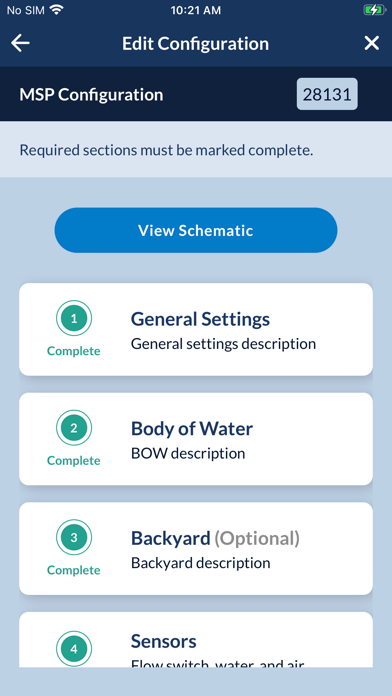
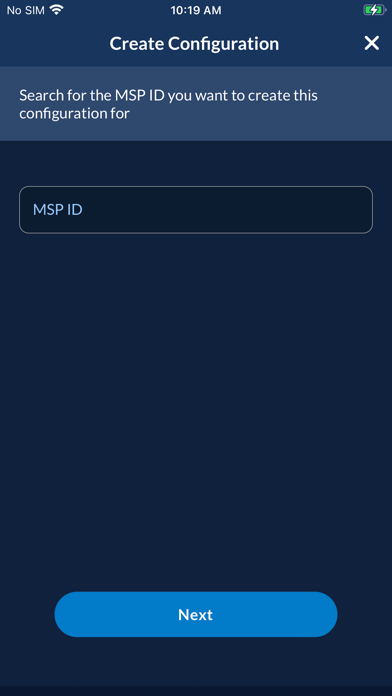
Configure pool systems remotely using Omni controllers. Edit configurations from scratch or templates. Reboot controllers and switch between modes. Access settings and manage pool installations from anywhere.
The ProApp is the latest tool from Hayward, designed for pool professionals to support remote configurations and access to Omni controllers. Take back hours each week by working on Omni Controls from anywhere. The ProApp with Remote Configuration allows you to configure from scratch and templates; edit current configurations; reboot controllers and enter/exit simple mode to make pool installation and service more convenient for you.
Long gone are the days of standing outside in the blistering heat to setup Omni Controls at a pool pad. The ProApp gives you the freedom to work as you choose from your truck, home, or office. Maximize your response time by servicing additional customers or enjoy more moments with your family. The ProApp is here to help you enhance your business!
Note:
To maintain all of your current access, you should use the same email id to log into the Pro App that you use to log into your Omnilogic App. Or you can create a new account using your business email.
To be able to use your installed/serviced OmniLogics with the ProApp, the App REQUIRES you to upgrade these systems to R5.0 or above.
R4.8.0 or above can be upgraded over the air
Below R4.8.0 need to be upgraded through USB
Apps, MSP FW, and Versions needed to use the ProApp:
Pro App – Remote Configuration module R1.X or above
Omni Controller R5.X or higher
Omni Mobile App 5.X or higher