
iPhone Screenshots


Description
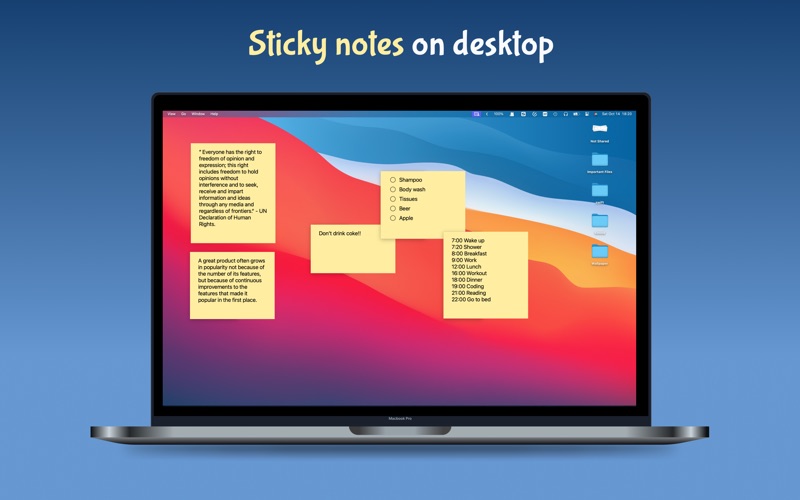
Desktop Note allows you to add sticky notes or photos to your desktop, just like your files or folders.
Anytime you want to check your sticky notes or photos, just click "control + ↓", F3, "fn + F3" or spread your thumb and fingers on your trackpad.
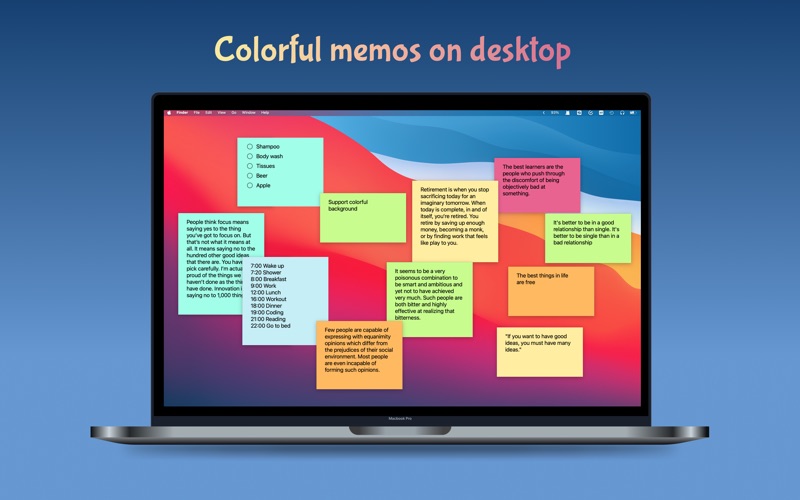
Desktop Note supports multiple spaces/screens, color customization, and todo lists.
What you'll love about Desktop Note:
# Record Anytime
With just one click, you can create a brand new sticky note for jotting down your ideas.
# Sticky on Desktop
Pin notes to your desktop, making them immediately available when needed.
# Colorful and Transparent notes
Decorate your notes with any of the 8 theme colors and transparency settings of your choice.
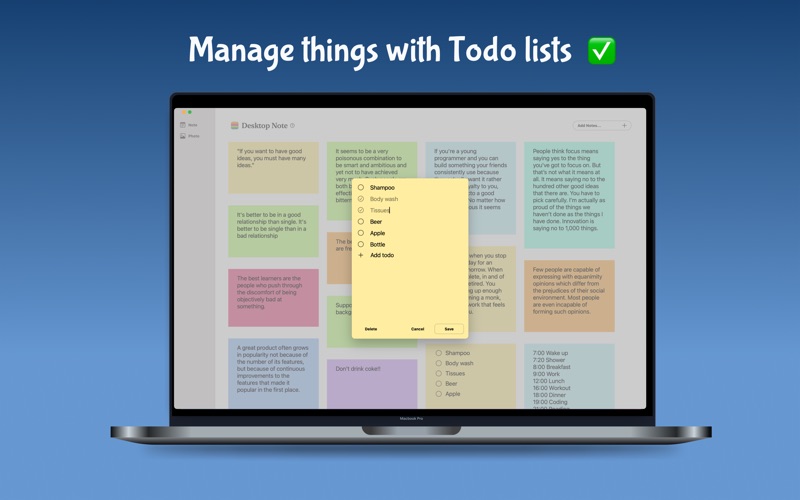
# Checklist/To-do List
Manage your life better with to-do lists.
#Customize Font
Choose your favorite font and size.
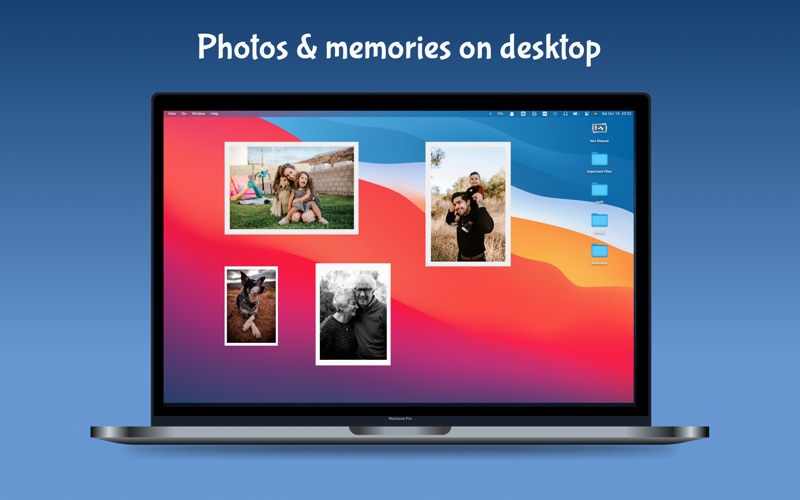
# Photo on Desktop
Pin pictures to your desktop and review your beautiful memories at any time.
# iCloud sync
Sync memos across Macs via iCloud.
# Privacy
Your notes and images are stored on your iCloud, accessible only by you.
Premium Feature:
Unlimited notes.
Unlimited photos.
Unlock unlimited notes and photos features with our premium subscription.
If you have any problems or suggestions, feel free to contact me at [email protected]
Terms of use: https://www.notion.so/Terms-of-Use-e2fd82b183504ad1b5e82c684c25865a
Privacy Policy: https://www.notion.so/Privacy-Policy-f692aafe77d540f1b191bd0e5aa5ee59