
Emphasys HQS
Inspect properties and log findings
Emphasys Computer Solutions, Inc.
iPhone Screenshots

Description
Conduct housing inspections to verify compliance with HUD’s Housing Quality Standards. Capture and sync inspection data automatically via internet. View and manage inspection results within the .
**Emphasys clients wishing to use this app, please contact your Account Manager who can help you get setup**
Ensure compliance with HUD’s Housing Quality Standards (HQS) with Elite HQS Touch mobile inspections. The app helps Public Housing Authorities (PHAs) conduct HQS inspections to ensure Housing Choice Voucher participants are living in safe, decent, and affordable housing. The data captured within the app is automatically synced, when connected via the internet, to Emphasys Elite for processing.
Key Features:
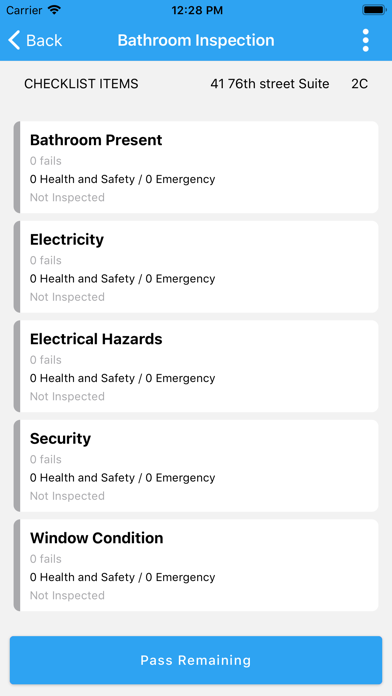
• Standard checklist based on the HUD-52580 Inspection Checklist
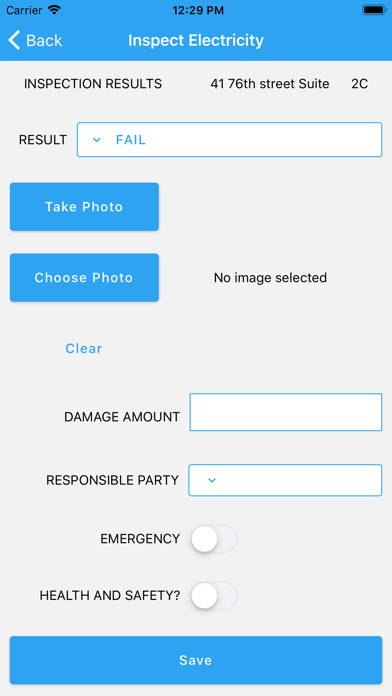
• Attach photos and documents to inspections for easy retrieval
• Customizable checklists allow you to create and modify existing checklist items as needed
• No wireless connection needed while in the field; you can store data for syncing later
• Scheduling by address, caseworker, inspector, census tract, ZIP code, and more
• Create re-inspections while in the field in case of failure, no entry, or a no show
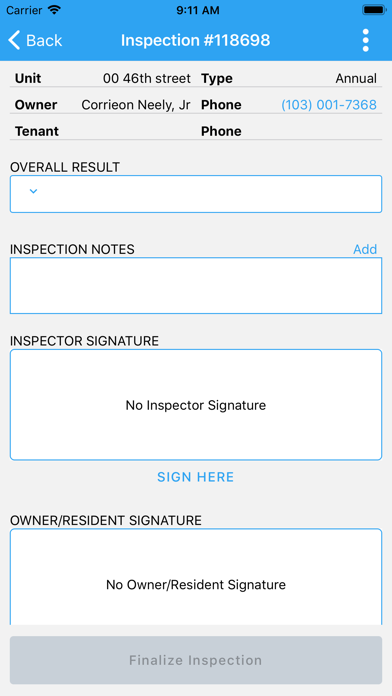
• Obtain digital signatures from the inspector and the person present for the HQS Inspection