
SoundExchange
Access account details and payment data remotely
SoundExchange, Inc.
iPhone Screenshots

Description
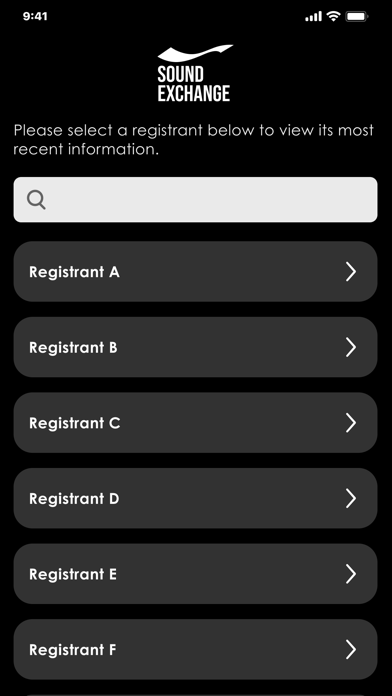
View registrant details, payment history, and account information. Log in with SXDirect credentials. Enable biometric authentication for access. Check payment data and account settings remotely.
The SoundExchange App is a way to access your SX account on the go! Remotely view your registrant details, payment data, and your account details.
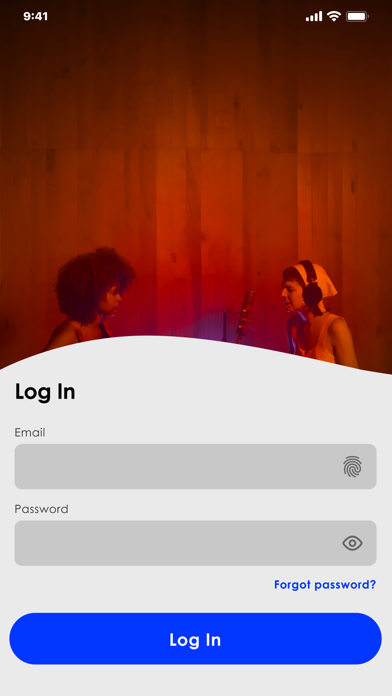
Log-in
Log into the SoundExchange App using your existing SXDirect email and password
Opt-in to Biometrics for ease-of-access to the SoundExchange app
Note: You must be a registered user of SXDirect in order to log into the SoundExchange app
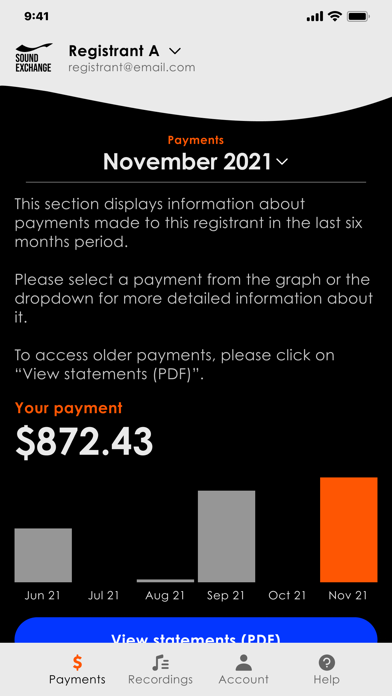
Payment Details
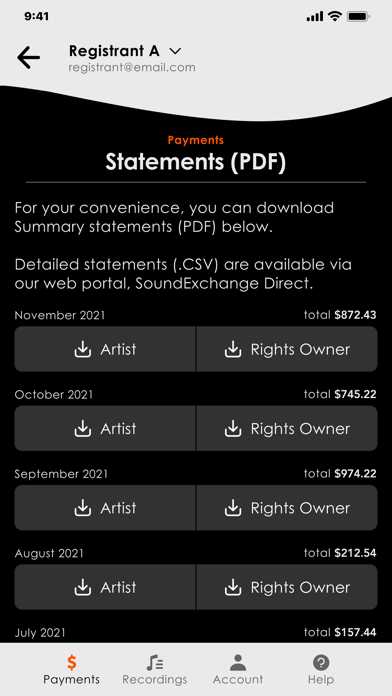
If you've received a payment from SoundExchange, you can view your payment details in the app and on the go
Get details related to your earnings and then download and view your PDF statements
Recordings
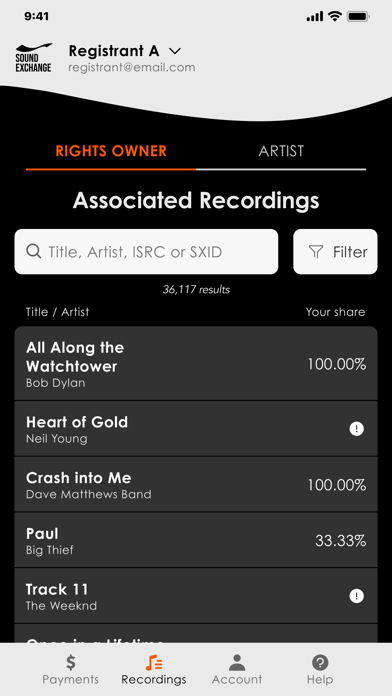
If you have royalty items associated to your account as an Artist or a Rights Owner, you’ll now have the ability to view all associated recordings linked to your account
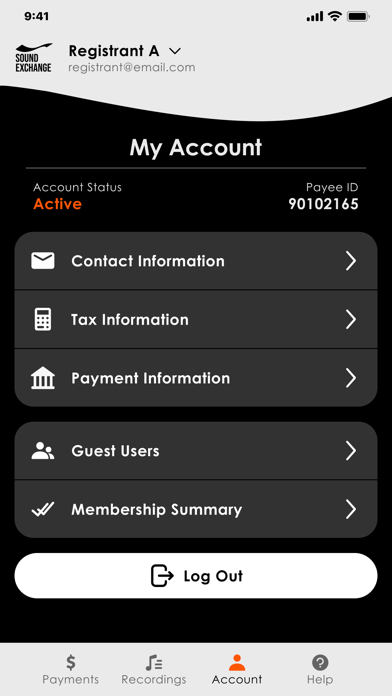
Account
If you are a user of SXDirect you can log into the SoundExchange app and view your details related to the following areas:
• Contact
• Tax
• Payment
• Guest Users
• Membership
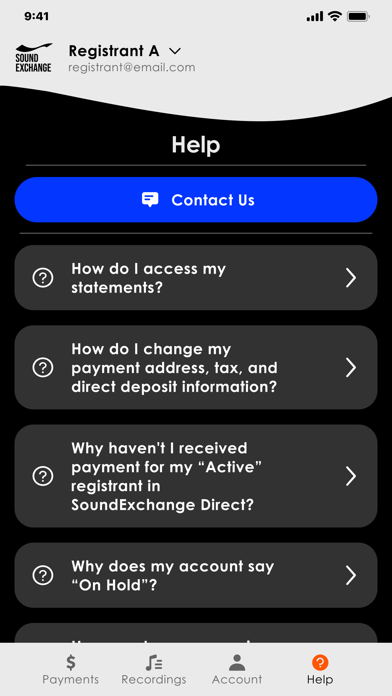
Help
• Have questions about a topic related to your account, payments, or something more general? Reach out to us via the SoundExchange app!
• Find answers to Frequently Asked Questions