
Yoma Bank Next
Manage accounts, transfer funds, view transactions
Yoma Bank Limited
iPhone Screenshots
Description
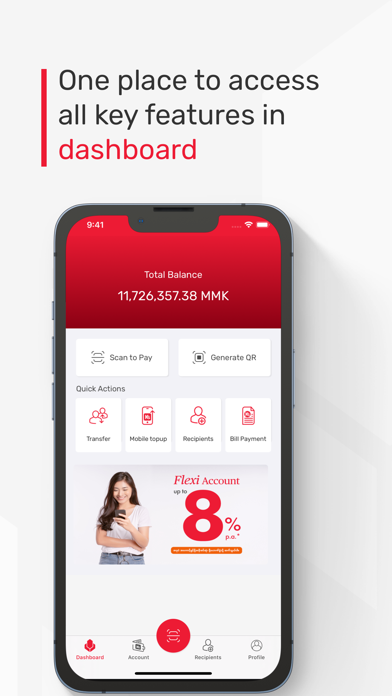
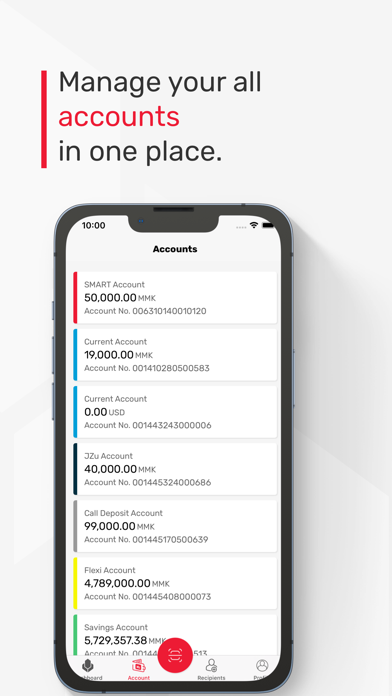
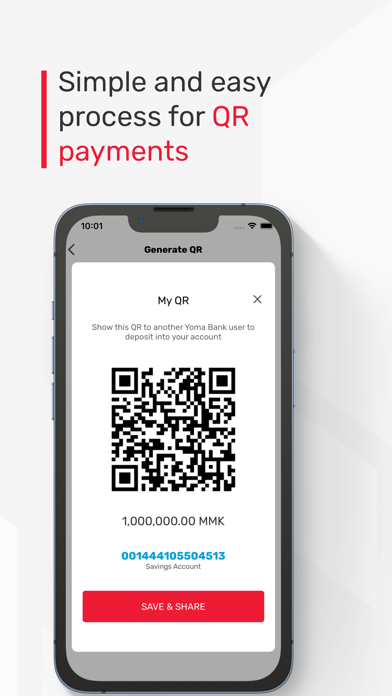
View account balances and transaction history. Scan QR codes to pay merchants. Generate static and dynamic QR codes. Transfer funds between accounts. Use WavePay for payments.
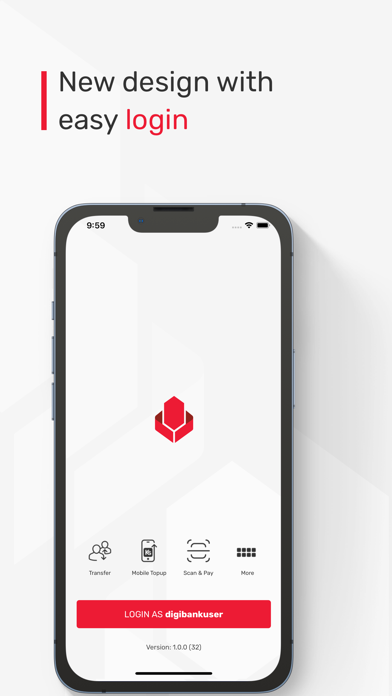
We are excited to introduce our new mobile application, designed to provide you with a more convenient and secure banking experience. With a focus on simplicity and efficiency, this version offers essential features that cater to your everyday banking needs.
Our main features list in the mobile banking -
1. Account Overview
2. View transaction history
3. Scan to Pay (YOMA & WavePay QR Merchants)
4. QR Generation (Static and Dynamic)
5. Own Account Transfer
6. Other Account Transfer
7. WavePay Transfer
8. Recipients
9. Change Pin
10. Change Password
11. Unlink Device
12. Fingerprint/Face ID
13. Mobile Top-up & Bill payment
14. Pocket Account Integration (Loyalty Platform)
15. Other bank transfer
16. Opening fixed & super deposit accounts
17. Apply Credit (eligible person only)
18. Branches & ATM location
19. Schedule Payment
Our mobile banking app is designed to simplify your banking experience, providing you with access to your accounts 24/7, anytime, anywhere. Download our app today and experience the future of mobile banking. Thanks you for choosing Next App for your banking services.