
iPhone Screenshots
Description
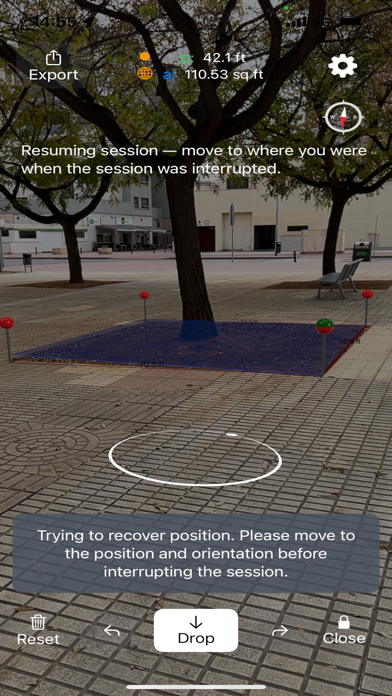
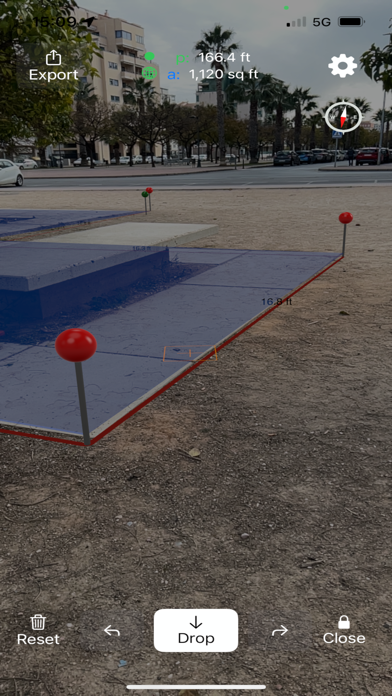
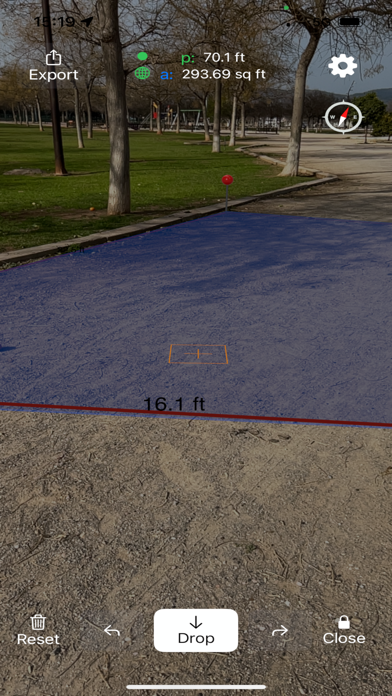
Use augmented reality to areas like fields, plots, parking lots, or properties. Tap to place markers and calculate distances. Export measurements to Map Pro or WheelitOff for further use. Accuracy improves with lidar-enabled devices.
Take Measurement of areas to the next level.
Use Augmented Reality (AR) to measure fields, plots, parkings, properties or areas of interest. Get better accuracy than GPS for small to medium sizes.
You will get better accuracy if your device has Lidar. Currently:
iPhone 13 Pro Max
iPhone 13 Pro
iPhone 12 Pro
iPhone 12 Pro Max
iPad 2020 Pro (iPad Pro 12.9 inch 4th gen, iPad Pro 11 inch 2nd gen)
iPad Pro 2021 13 inch
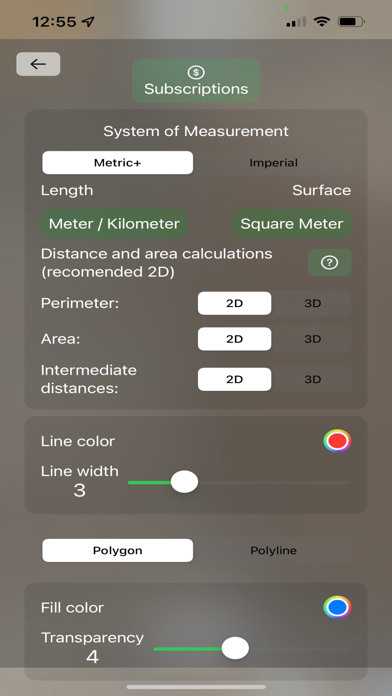
Once you have measured in AR export it to Measure Map Pro or WheelitOff and you will be able to fine tune its position and rotation on the map.
Terms of Use: https://www.apple.com/legal/internet-services/itunes/dev/stdeula/