
iPhone Screenshots




Description
Turn your phone into a simple Roku remote!
Connect + control your Roku by following these easy steps after you download the app:
1.) Tap any remote button to scan your Wifi network
2.) Select your Roku Device
• Automatically reconnects when app opens
• Switch between multiple Roku devices fast
• Vibrates when buttons are tapped
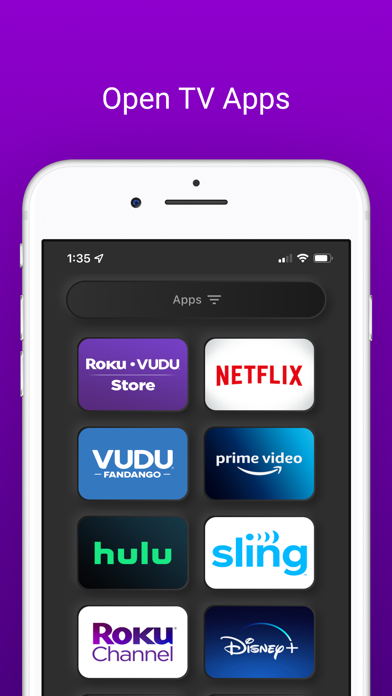
• Open any of your apps installed on your Roku Device with a single tap
• Resize app buttons to be small, medium or large for easier viewing
• Customize your remote to show/hide volume/channel buttons
• If you have any problems please send screenshots/details to [email protected]
DISCLAIMER:
• Remote for Roku: TapToolbox is not an official product of Roku, nor are we affiliated with the Roku company
Terms of Use: http://www.taptoolbox.com/terms.html