
iPhone Screenshots

Description
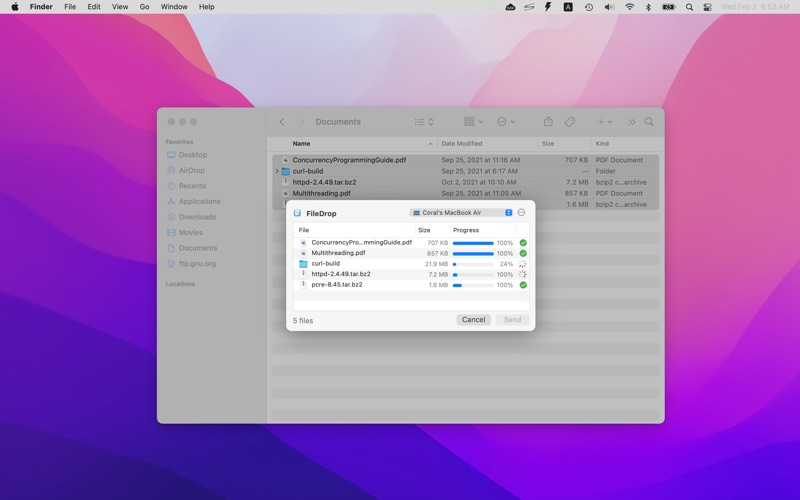
FileDrop allows you to quickly transfer files/directories to another computer via FileDrop/SFTP/FTP.
The files/directories are accepted and renamed/stored automatically, without manual confirmation.
Supported protocols:
• FileDrop: send files/directories to another computer that runs FileDrop.
• SFTP: send files/directories to another computer that has enabled the SSH/SFTP service.
• FTP/FTPS: send files/directories to an FTP Server via FTP or FTP over SSL.
FileDrop also provide a share menu extension and you can send files/directories directly from Finder via the "Share -> FileDrop" menu item.
You can enable the FileDrop share menu in "System Preferences -> Extensions -> Share Menu".
FAQ:
Q: Where are the received files?
A: The received files are saved to "/Users/*username*/Library/Containers/net.langui.FileDrop/Data/ReceivedFiles" by default, you can change it in the FileDrop preferences.