
iPhone Screenshots


Description
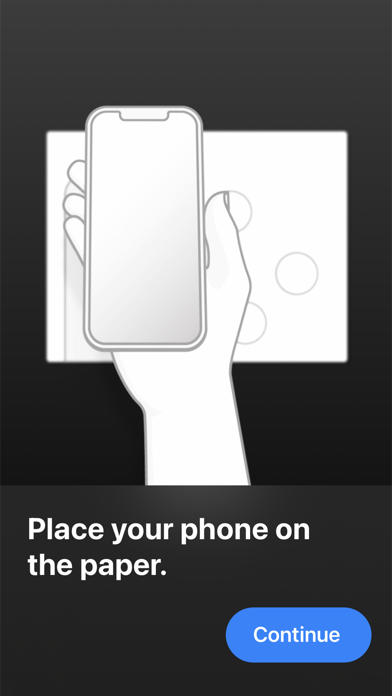
The Interactive Paper app allows you to use your iPhone 7 (or later) to interact via NFC with any Interactive Paper.
Place your iPhone on the paper and launch the Interactive Paper app. Press the interact button to start the NFC scan on your phone. Then press a button on the paper with your finger to experience interactive extra content on your iPhone.