
iPhone Screenshots
Description
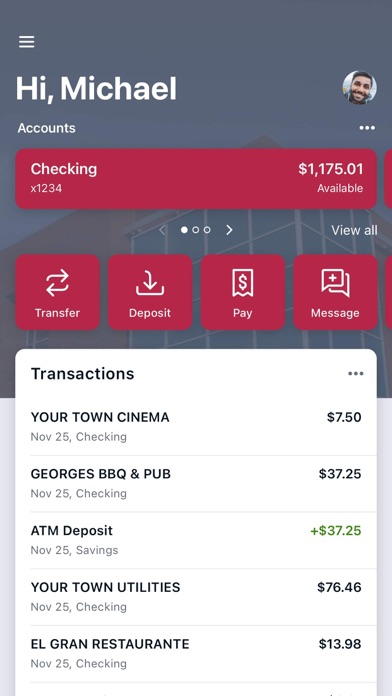
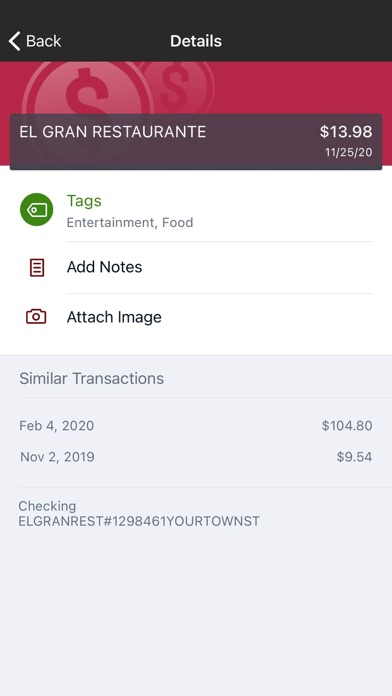
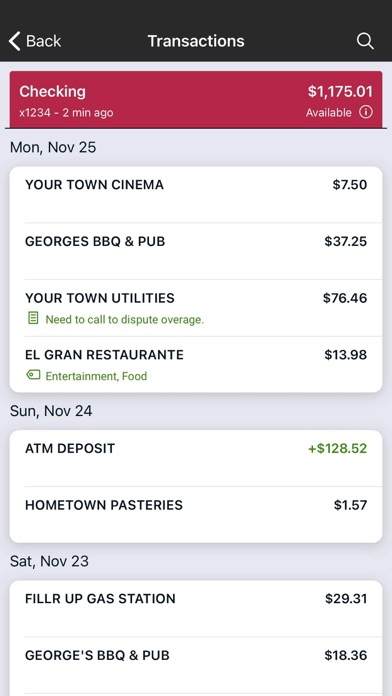
Keep transactions organized by adding tags, notes, and photos of receipts and checks. Set alerts for balance thresholds. Make payments to companies or individuals. Transfer money between accounts. Deposit checks remotely.
EvaBank is your personal financial advocate. It’s fast, secure and makes life easier by empowering you with the tools you need to manage your finances.
Here’s what you can do with the EvaBank app:
* Keep your transactions organized by allowing you to add tags, notes and photos of receipts and checks.
* Set up alerts so you know when your balance drops below a certain amount
* Make payments, whether you’re paying a company or a friend
* Transfer money between your accounts
* Deposit checks in a snap by taking a picture of the front and back
* Reorder your debit card or turn it off if you’ve misplaced it
* View and save your monthly statements
* Find branches and ATMs near you
* Aggregate your financial accounts
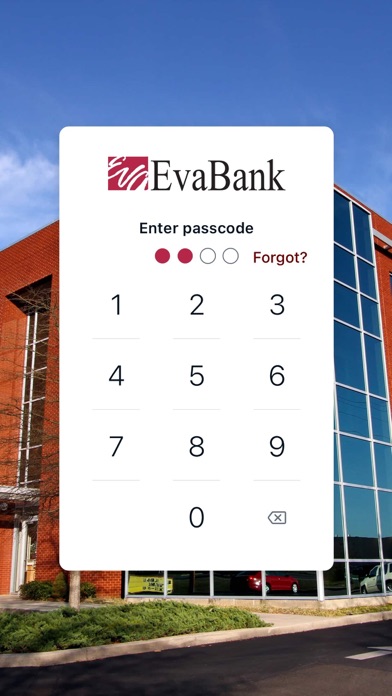
Secure your account with a 4-digit passcode or biometric on supported devices.
To use the EvaBank app, you must be enrolled as a EvaBank digital banking user. If you currently use our Internet Banking, simply download the app, launch it, and login with the same Internet Banking credentials.