
iPhone Screenshots




Description
Do you like to create stylish text on your favourite photo? it’s time that you install the TextSwag - Overlay Typography.
The app TextSwag - Overlay Typography will help you in becoming more expressive in a creative approach. It is a user friendly but innovative way to decorate a special photo that you like.
TextSwag contains beautiful backgrounds, which you can use as the decor of your template.
How to use the TextSwag app?
• Select image from gallery or camera.
• Set requited typography text on the selected photo.
• Change frame opacity and colour.
• Add text or sticker on the image.
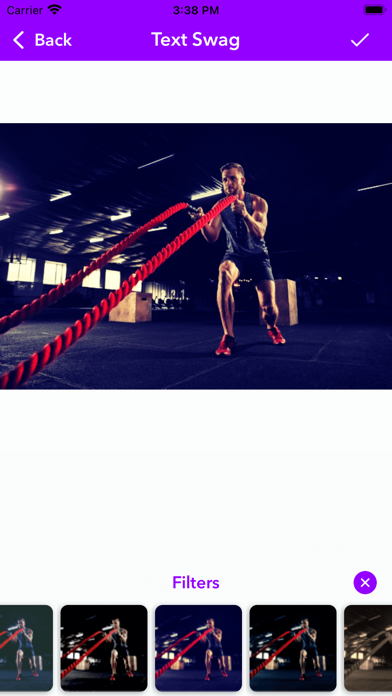
• Apply filter to the image.
• Click Done. It’s very simple
App’s Features:
• Easy to understand interface
• Multiple fonts and wonderful background
• Different types of Text art creation facility
• You can share your text arts on your social networking sites.
Now install the app TextSwag - Overlay Typography and start making different Text art.