
iPhone Screenshots

Description
This app connects your smartphone with the interactive toys so you can watch videos and control your interactive toys using the Haptics Connect app.
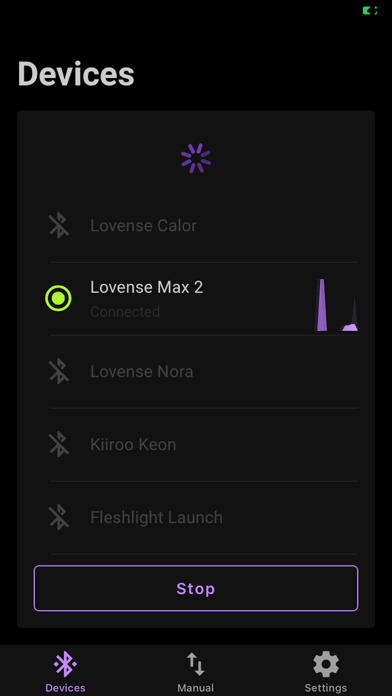
Use Bluetooth to pair your interactive device with the app from your phone.
Regular usage is as simple as this:
1. Turn on your interactive device
2. Turn on Bluetooth on your smartphone and make sure it’s paired with the interactive device
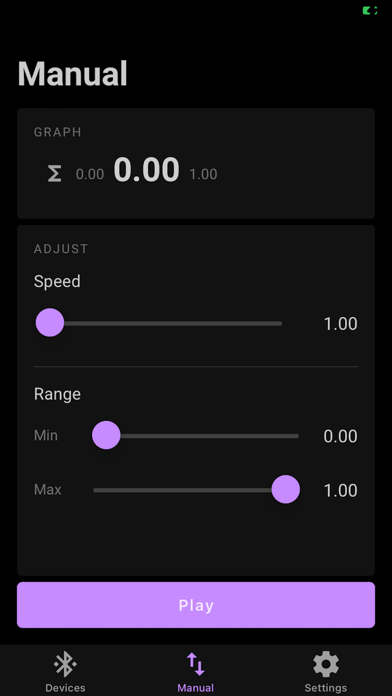
3. Enjoy your interactive device in manual control.
Get in touch to ask about getting other devices and apps supported.