
Water Polo Scoreboard
Track scores, set team names, register fouls
NAOYA ONO
iPhone Screenshots

Description
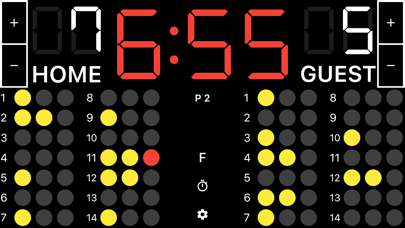
Track matches by setting team names and managing scores. Add or subtract points with on-screen buttons. Switch periods using the "P" button. Record fouls by selecting players and noting the count.
A scoreboard app specialized for water polo.
It is easy to use, and allows you to set team names and register fouls.
●Basic Functions
1. Team name
Tap “HOME or “GUEST” on the screen to enter the team name.
2. Adding and subtracting points
You can add or subtract points by tapping the button next to the score. You can also add points by tapping the score.
3. Period
Tap the “P” button in the middle of the screen to go to the next period.
4. Foul
Tap the player who fouled to count the number of fouls.
If your device is too small to tap a player, tap the "F" button on the center of the screen to display the fouls in full screen, making it easier to register the fouls.
5. Game timer
Tap the time to start the timer. If you want to stop it, tap it again.
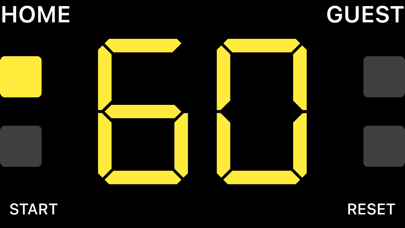
6. Timeout timer
Swipe the scoreboard to either left or right to display it.
Tap the time or the "Start" button at the bottom of the screen to start the timer. Tap again to stop the timer.
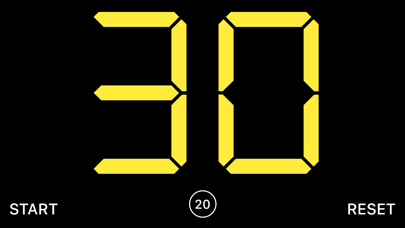
7. Shot clock (30 second timer)
Swipe the scoreboard to either left or right to display it.
Tap the time or the "Start" button at the bottom of the screen to start the timer. Tap again to stop the timer.
8. Reset
Tap the cog icon at the bottom center of the screen to display the menu, where you can reset the score and timer.