
iPhone Screenshots




Description
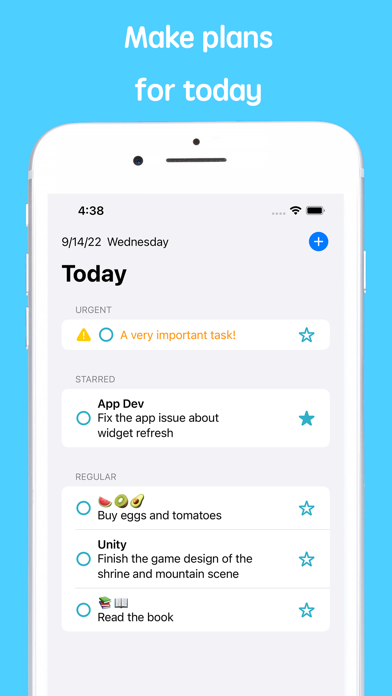
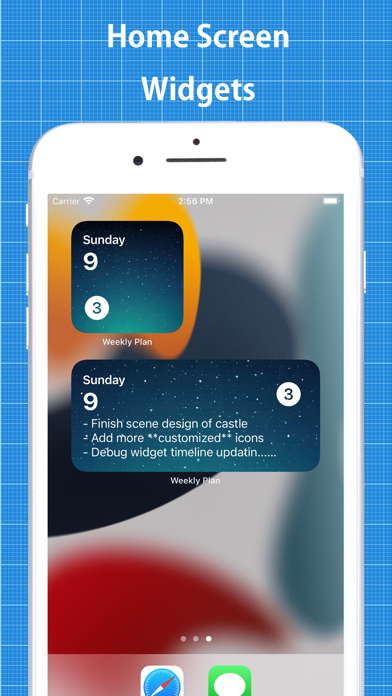
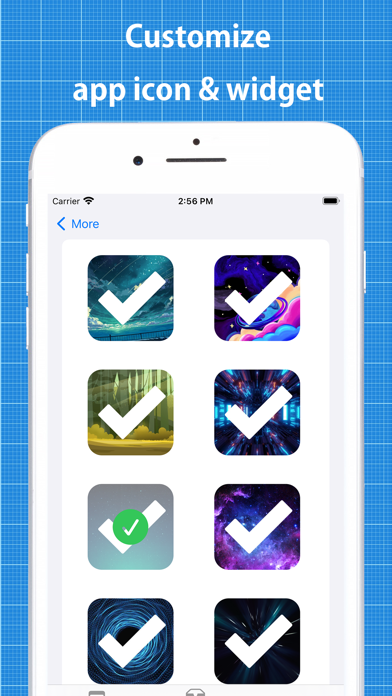
Plan your tasks for the entire week in the "weekly view"; Assign tasks to projects and track progress in the "projects view"; Assign urgency level for tasks for prioritazation; Customized app icon and home widget.
Designed based on various researches for improving productivity.
- In the weekly view, the days of one entire week is shown. You can create task for a specific day. This helps you to focus on planning what to do for recent upcoming days.
- Assign your planning items into projects. Track the progress of your projects.
- Set an urgency level for each task.
- Focus timer to help you focus on a single task, displayed on lock screen and the Dynamic Island (on supported iPhone devices)
- Daily notifications remind you about what to do every morning
- Home screen widgets
- Customize the app icon and background of the widget
- Use basic markdown formats (bold, italic, links within text, code block)