
iPhone Screenshots


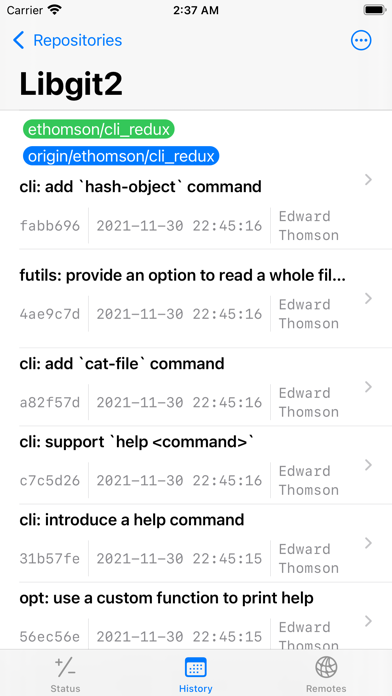
Description
OmiGit is a git repositories manager on iPhones, allowing for usecases such as software developments, blogging, etc. on the go. Notable distinction from other free Git apps is that we provide git push for free as well.
Features
* Support most common revision control operations such as
git init: Initialize a local repo
git clone: Clone from a remote repo
git status: View current repository status
git diff: View changes between two commits
git add : Stage files to index for committing
git restore --staged (or the older git reset): Unstage files from index
git commit: Commit staged changes
git log: View revision (commit) history
git branch: View and add local branches
git push: Push changes to a remote
git fetch: Fetch changes from a remote
git merge: Merge changes from a reference
git checkout: Check out a branch
git reset: Revert the branch to a particular commit
* Designed with the latest Swift + SwiftUI technology: Integrate well with the latest iPhones look and feel and also optimizing the experience on phone interface
- Pull down gesture to rescan status and reload history
- Swipe on unstaged files to stage, on staged file to unstage
- Swipe on the remote to push/fetch
* Integrate with Files app: The repositories managed by the app are accessible from the iOS Files app so you could use any editor to edit the files.
* Provide a simple credential manager based on the remote URL prefix so you do not type the password over and over again.
Visit app website https://upwrks.github.io/git/ for more usage tips.
Privacy Policy
This app does not collect any user information. All your files belong to you.