
iPhone Screenshots


Description
It is an application that acquires sensor data from Airpods and saves it in a CSV file.
Please note that it will not work unless it is connected to Airpods.
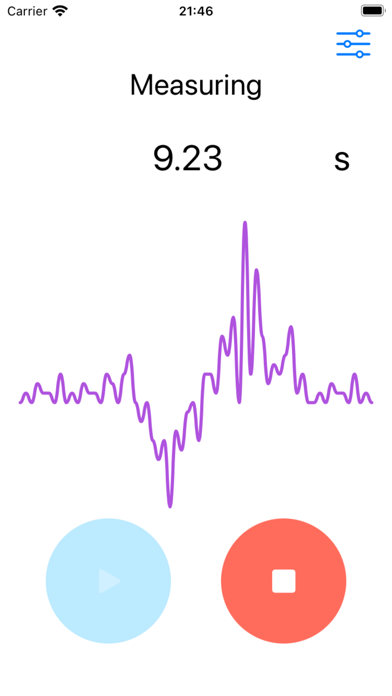
Only one graph is displayed, but multiple data are saved in the file.
This is an app that acquires sensor data from Airpods and saves it in a CSV file.
Please note that it will not work unless connected to Airpods.
Although only one graph is displayed, multiple data are saved in the file.
How to Use
1. Connect Airpods to your iPhone.
2. Select the sensor of the data you want to acquire from the settings.
3. Press start.
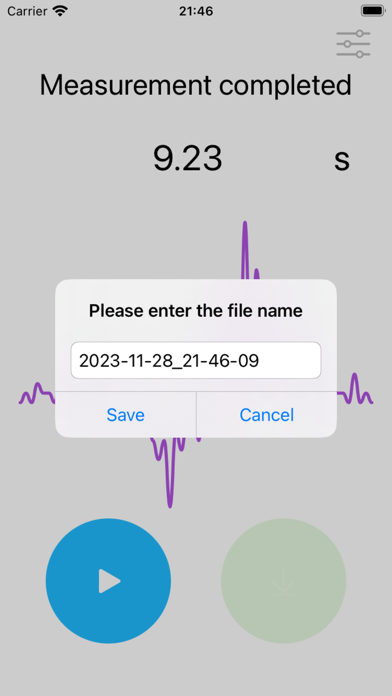
4. Press stop. (Saved in a file on the terminal.)
Sensor type
Acceleration
gravity
rotationRate
attitude