
iPhone Screenshots



Description
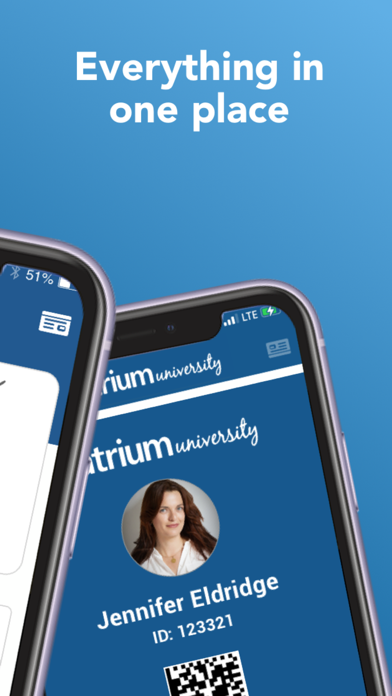
Add a scannable ID card to Apple Wallet. Upload a photo for identification. Purchase meals and manage meal plans. Access account balances and set alerts. View and filter locations that accept your ID card. Place orders at compatible locations.
Atrium Connect is used by top colleges and universities, senior living and businesses for streamlined, secured campus account access.
Features:
• Add a scannable campus ID card to your Apple Wallet (select institutions)
• Upload your photo (select institutions)
• Purchase meals and manage meal plans (select institutions)
• Use your virtual credential
• View account balances, recent transactions and set up alerts
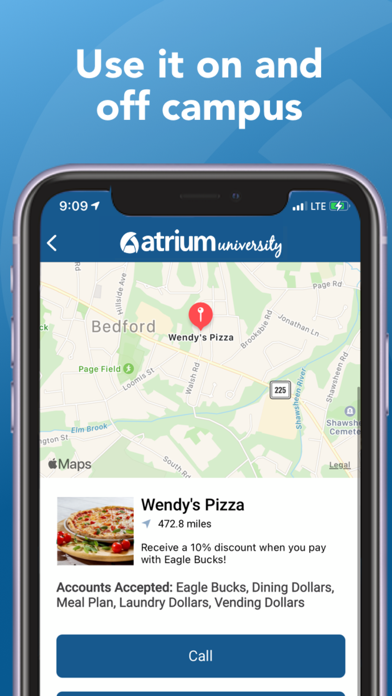
* View, filter and map all locations that accept your ID card and place orders online
• Add money easily to accounts using Apple Pay and other payment methods
• Search for and view participating locations
Atrium Connect Highlights:
Account Management:
View balances and transactions for all meal, debit and event accounts. Add funds and store payment information. Automate deposits and receive low balance notifications.
Meals:
Manage your meal plans the way that you want to.
Deposits:
Account holders can access account history and use budgeting tools, all within your own campus-specific domain.
Off-Campus Purchases:
View, filter and map all locations that accept your ID card and place your order online.
Safety:
Atrium Connect provides contactless solutions and secure account access. You can easily report credentials lost/stolen.
Activation:
To download the app and activate your account, contact your campus ID card office for help.
Privacy:
Terms of service: https://www.atriumconnnect.com/terms
Privacy policy: https://www.atriumconnnect.com/privacy