
iPhone Screenshots


Description
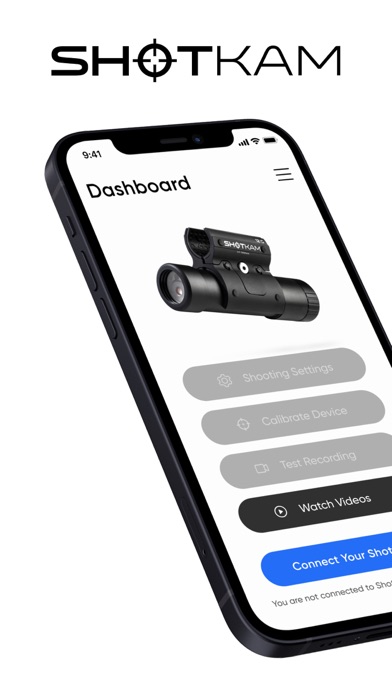
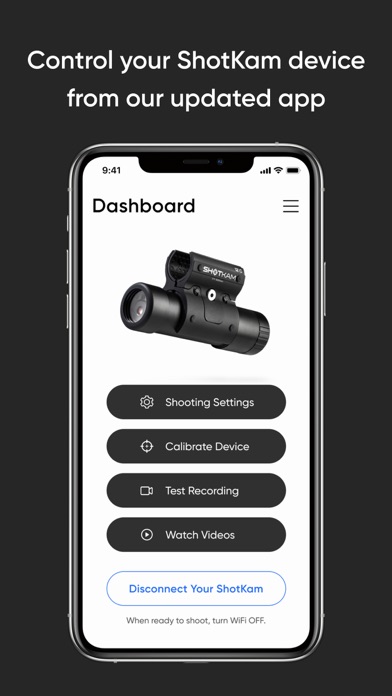
Easily connect the ShotKam Camera to your Apple mobile device using this app (not for computers).
How to Connect:
1. Turn on your ShotKam's WiFi
2. Connect to the ShotKam WiFi network in your device Settings
3. Open the ShotKam app
Features:
- Calibrate the reticle
- Select your settings such as gun type, target type, and recording length
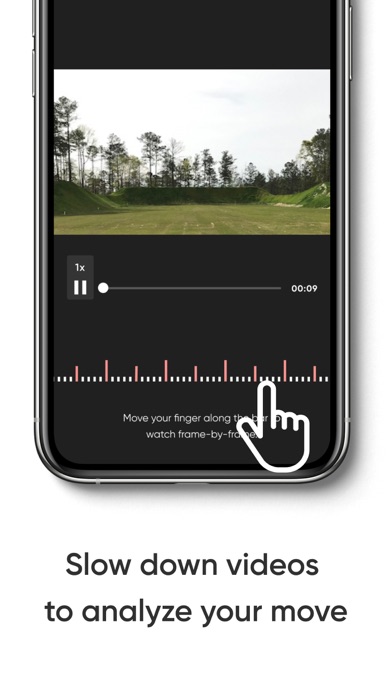
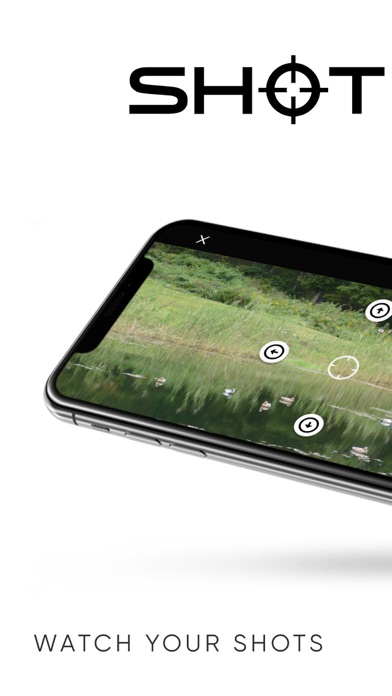
- Play videos wirelessly
- Download videos to Photos app