
Awesome Golf Assistant
Track swing data and sync with simulator
Great Detail Ltd
iPhone Screenshots



Description
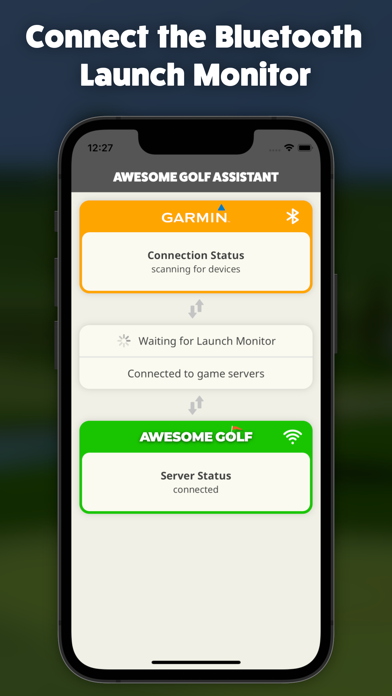
Connects to supported Bluetooth launch monitors and streams data to Simulator via the internet. Allows users to launch the , enable the monitor, and establish a connection for real-time performance tracking.
Awesome Golf Assistant enables users to connect supported Bluetooth Launch Monitors with Awesome Golf Simulator, where the latter is running on a device that may not have Bluetooth, or which users may not want to pair with their Launch Monitor.
This app will connect to a supported Bluetooth Launch Monitor and communicate all its data to Awesome Golf Simulator, over an internet connection. Simply run the app, switch on your Launch Monitor and connect. Load up Awesome Golf Simulator on another device, select your Launch Monitor connection method as 'Assistant', to display a QR code. Sync the two devices by tapping 'Sync Devices' in this app, scan the QR code and you're all set; Awesome Golf Simulator is now connected to your Launch Monitor and ready to track golf balls!
Supported Launch Monitors:
- Garmin Approach R10
- Rapsodo MLM2PRO