
Philips SmartSelect
Connect devices with one tap
Jasco Products company LLC
iPhone Screenshots




Description
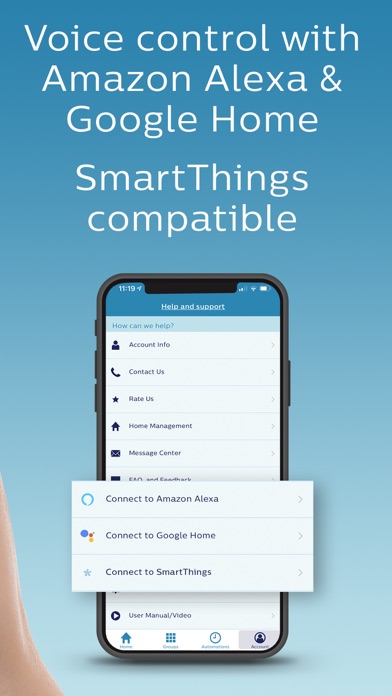
Connect Wi-Fi devices through a free . Power devices and link to a 2.4GHz router. Customize settings and add more devices with a single button. Create groups, set schedules, and use voice controls with Google Assistant or Amazon Alexa.
Connect your Philips SmartSelect Wi-Fi device in 4 simple steps
1. Download free app, create account
2. Power device
3. Link with your 2.4GHz router
4. Customize your new device
- Add additional devices by pushing one button, never leave the app!
- Set up Groups to make it easier to program multiple devices at one time.
- Customize groups, set schedules, create automations or utilize a full 24 hour countdown timer.
- Works with Google Assistant and Amazon Alexa voice controls.