
iPhone Screenshots

Description
CREATE ENTRIES
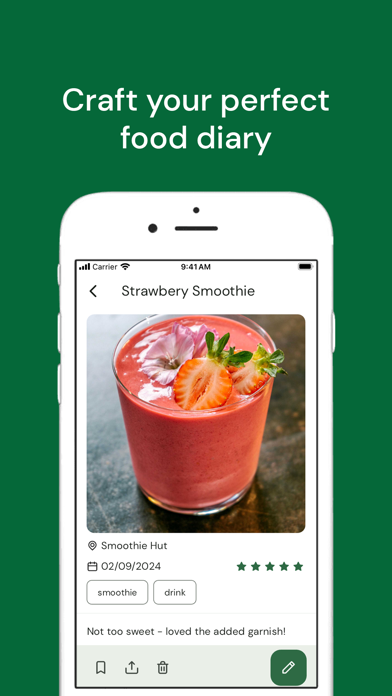
Document your favorite orders by creating entries
Save a photo to your entry by adding one from your library or camera
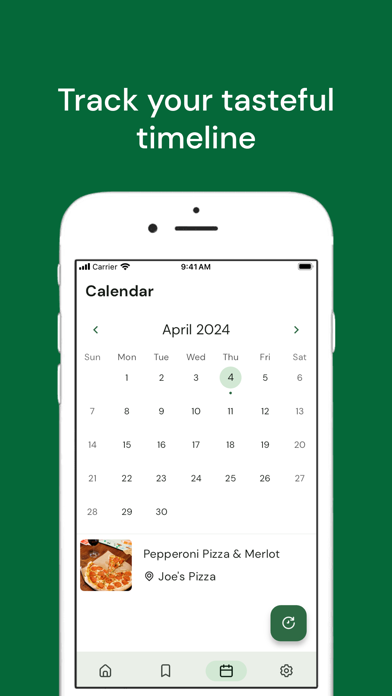
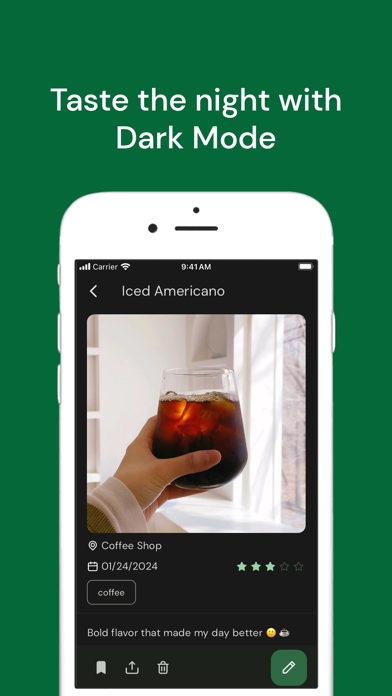
Provide a date, location, and a short description of the order
Rate your entry out of five stars to remember the flavor
Entries are always private to you, no one else can see them
SAVE YOUR FAVORITES
Keep your favorite orders saved by marking them with a heart
View favorite entries on a separate page for easy access
Add and remove favorites at any time
SHARE ENTRIES
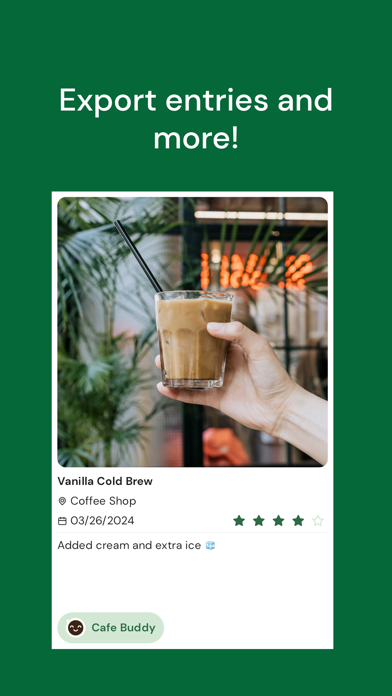
Send an entry to a friend by generating an image to export
Share the image directly into another app or save it to your device
SORT YOUR LIST
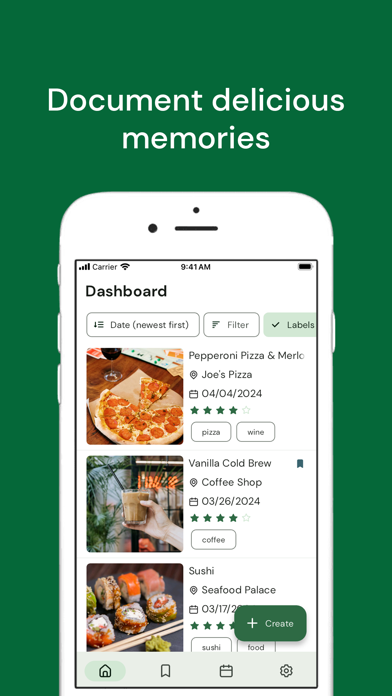
Sort your entries by the date, alphabetically by title, or the rating
Your default sort option is saved between app sessions
CATEGORIZE USING LABELS
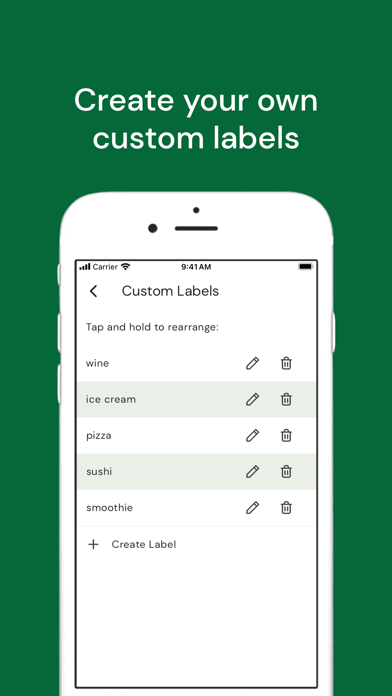
Add a label to your entries for easier categorizing
Create a custom label or use a default one
View all entries from a specified label in a filtered list
SEARCH YOUR ENTRIES
Find an entry quickly by using search
Search using keywords from an entry’s title, location, or description
PRIVACY POLICY
https://cafebuddy.app/pages/privacypolicy.html
TERMS OF SERVICE
https://cafebuddy.app/pages/termsofservice.html
MORE INFORMATION
https://cafebuddy.app/
Thank you!