
iPhone Screenshots

Description
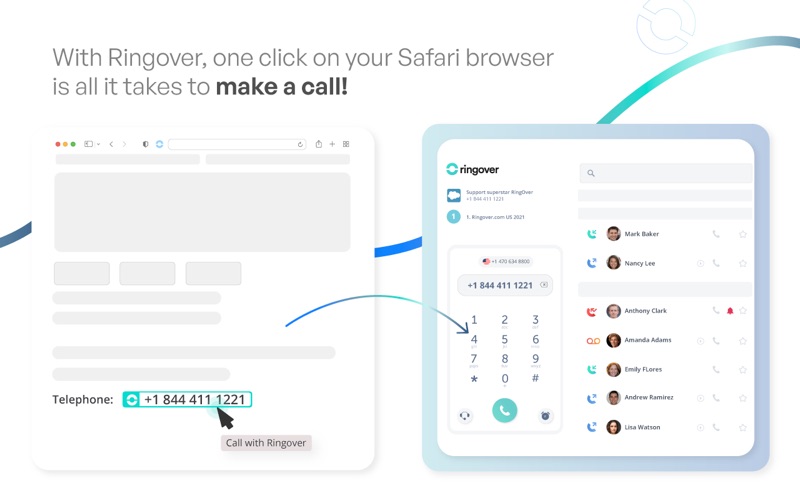
With the Ringover extension | Click2Call, all phone numbers displayed on web pages become clickable!
As soon as you click on a number, the call is launched from your RingOver dialer!
Click2Call: Click a number on your web pages to call it directly to your RingOver account, supporting RingOver CTI dialer from Zendesk, Salesforce and Dynamics.
PowerDialer: Retrieve the list of numbers from your web pages to chain them to your RingOver account, which works with myringover.com and the RingOver desktop application.
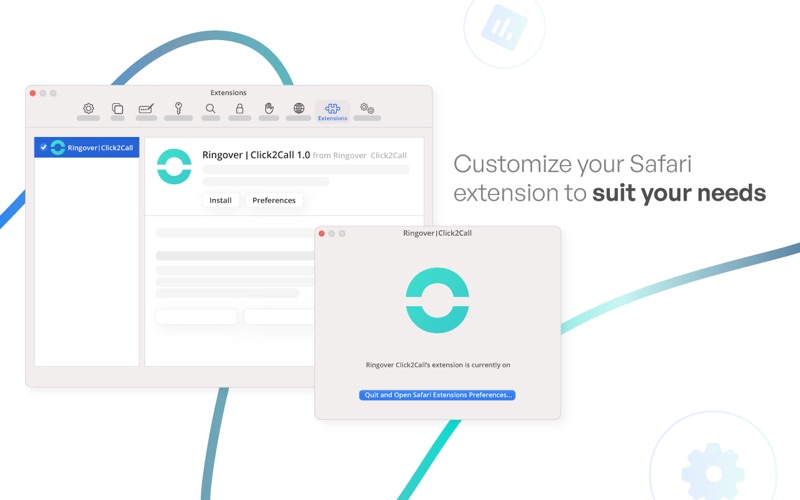
Right-click on the extension icon or on the targeted web page to open the extension options:
Activate / Deactivate the Click2Call.
A choice not to activate on certain domains.
Show / Hide number highlighting.
Changing the format of the numbers searched for on web pages.
Connect your RingOver account with the extension to access other features
Activate / Deactivate the PowerDialer.
Choice of call support: web app (app.ringover.com), desktop application (RingOver Desktop App), sip phone or mobile applications (iOS and Android)
Choice of exit number (in Sip Phone or mobile application mode)
RingOver Group.