iPhone Screenshots


Description
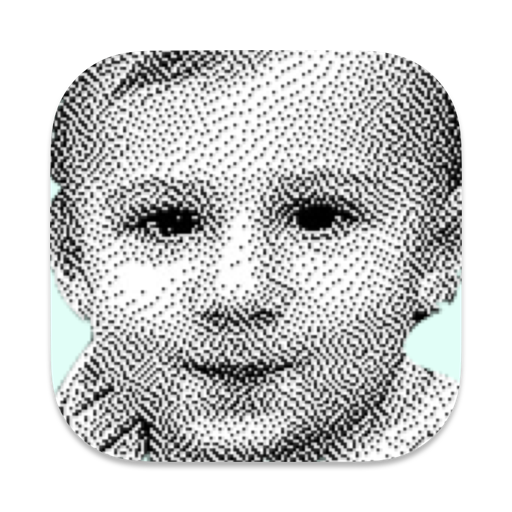
Retro Dither gives any photo a cool retro look using just black and white pixels (1-bit). You may want this for artistic effect, or you may want to export your photo to MacPaint for display on a retro Mac. Or, perhaps you are creating images for a modern device that only supports black and white, like an E Ink powered e-reader.
Note that we're talking about just black and white—not grayscale (no grays here!). Amazingly, these dithering algorithms make pure black and white images look like grayscale. You'll get an old-school newspaper look—or a look like your photo just came off of a Mac from the 1980s. And this works with any photo in any bitmap format (JPEG, PNG, HEIF, etc.).
Features:
• Ten dithering algorithms, for the perfect 1-bit retro look (Atkinson, Floyd-Steinberg, Minimized Average Error, Sierra, Stucki, Burkes, Threshold, and 3 Halftones)
• Import any bitmap image in any format (JPEG, PNG, HEIF, etc.)
• Export to PNG, GIF, or BMP
• Export to MacPaint for display on a retro Mac
Retro Dither is a native Mac app with a UI built to feel at home in macOS including support for drag-and-drop imports, a native print dialog, and the ability to copy your dithered creations into any other app.
Retro Dither is the best way to display your photos on a classic black & white Mac. The exported MacPaint images are automatically wrapped in MacBinary format for easy transport and unwrapping on a classic Mac. They can be unwrapped on your classic Mac with MacBinary or with Stuffit Expander. And then you're just a double click away from your photos appearing in the 2020s on a 1980s Mac.