iPhone Screenshots
Description
The app helps a user keep the records of items.
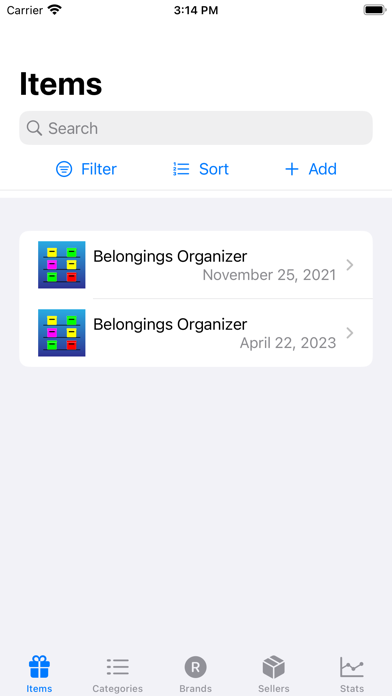
Items
- Presents a list of items
- Click ‘Filter’ to set categories, brands, and/or sellers to see filtered items.
- Click ‘Add’ to add a new item
- Select an item in the list to see the details, which can be edited.
- Use search field to filter items by name
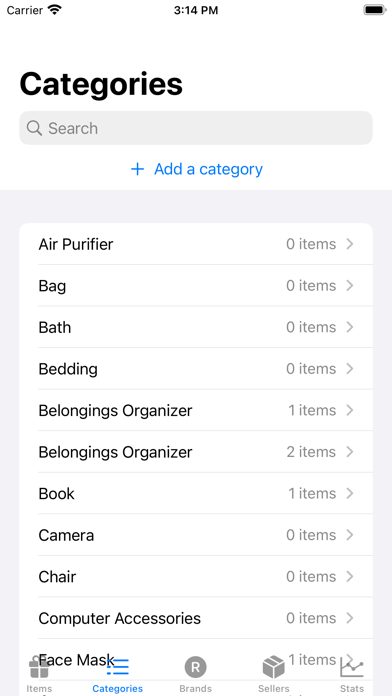
Categories
- Presents a list of categories
- Click ‘Add a category’ to add a new category
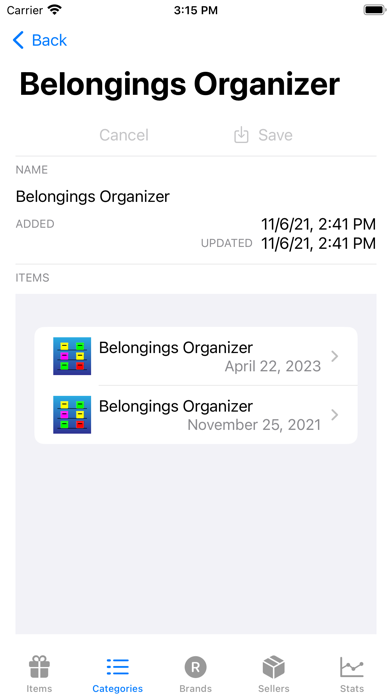
- Select a category to edit its name and to see a list of items attached to it.
- Use search field to filter categories by name
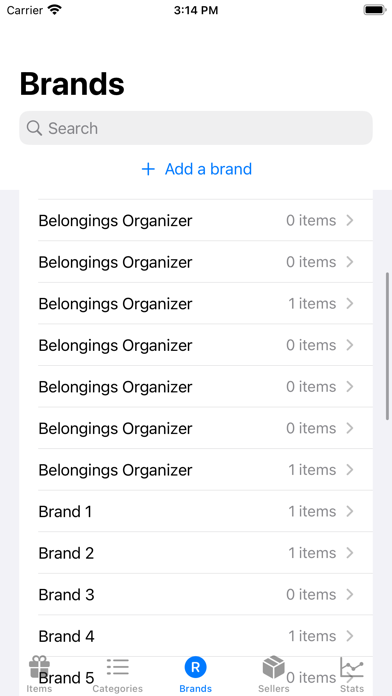
Brands
- Presents a list of brands
- Click ‘Add a brand’ to add a new brand
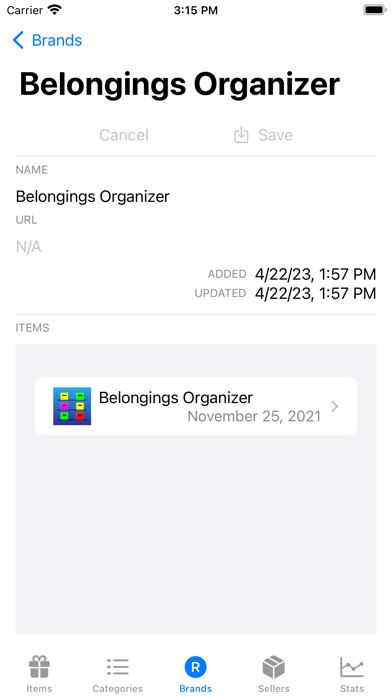
- Select a brand to edit its name and url and to see the items attached to it and to edit its name and url. The url can be open in a user’s default browser by clicking ‘Open in Browser’.
- Use search field to filter brands by name
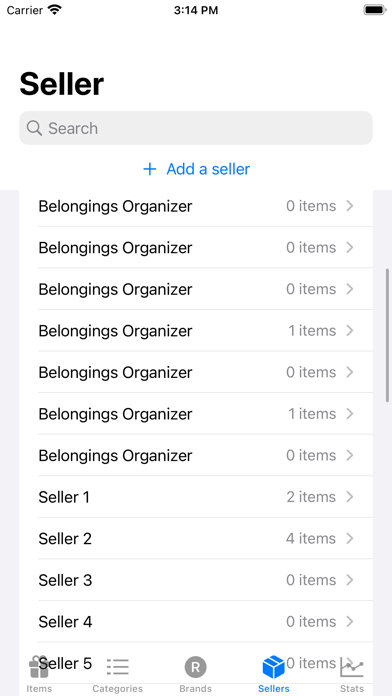
Sellers
- Presents a list of sellers
- Click ‘Add a seller’ to add a new seller
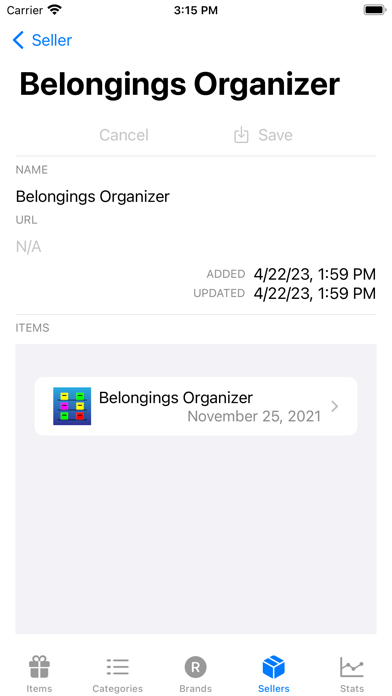
- Select a seller to edit its name and url and to see the items attached to it. The url can be open in a user’s default browser by clicking ‘Open in Browser’.
- Use search field to filter sellers by name
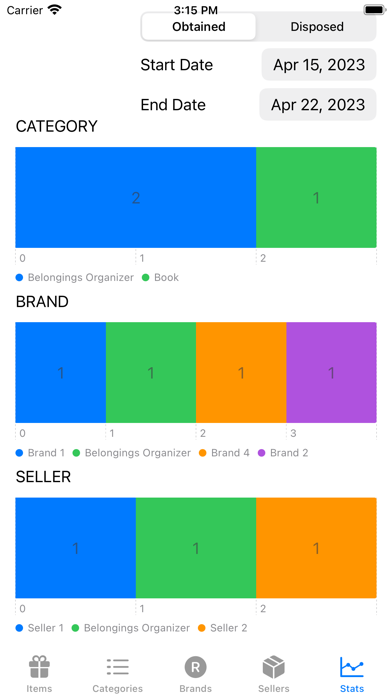
Stats
- Presents the number of items per category, brand, and seller between specified start and end dates