iPhone Screenshots




Description
A simple two step to setup.
Step 1. On Timble Web, go to Settings → Time Clock App→ Enable
Step 2. Download Time Clock app on phone or tablet and done!
About Timble Time Clock features
- Accurately records your start and finish times.
- Links timesheets to rostered shift automatically.
- Supports multiple locations, staff can clock in at any of your sites or locations.
- Adjustable rounding rules.
- Prevent or allow early clock in.
- Clocking in for unplanned shifts.
- Geofencing
- Buddy punch prevention
About Timble
Timble is a rostering and timesheet tool designed specifically with Restaurants & Cafés in mind.
Timble helps you
- Build comprehensive rosters ensuring all positions are covered on time and within budget.
- Manage rosters for multiple location with ease.
- Log employees unavailability in advance, know exactly who you have available.
- Add notes or instructions to individual shifts.
- Publish shifts to all staff with just a couple of clicks.
- Approve timesheets and export for Payroll Services.
Timble allows your staff to
- Receive shifts via email and sync to their calendars
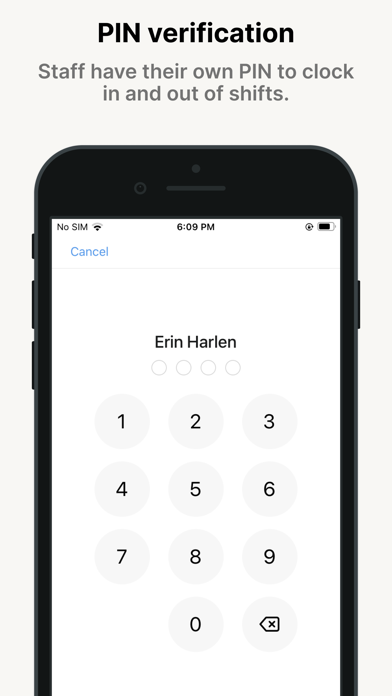
- Clock in & out accurately on the app at work.