
PopFrame – Mockup Creator
Frame screen recordings and screenshots
Ramik Sadana
iPhone Screenshots




Description
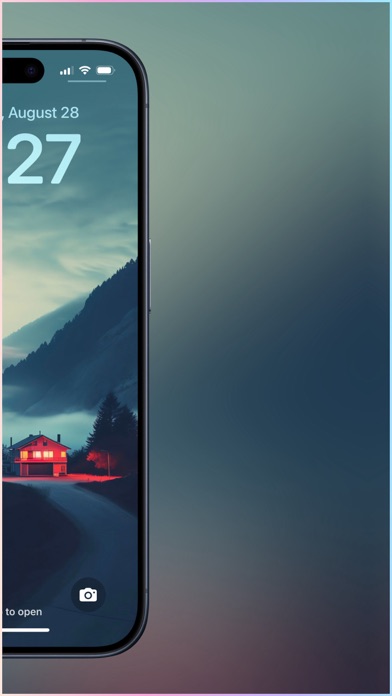
Turn plain screen recordings and screenshots into professional graphics with minimal effort. Add frames, borders, and effects in seconds. Share directly to social media or presentations. Customize styles and export in various formats.
PopFrame helps you turn vanilla screen recordings & screenshots into a delightful graphic in just a few taps, right from your phone.
So if looking professional and polished while sharing mobile screens and screen-recordings — in presentations, on Twitter, TikTok, Youtube, or with clients — is important to you, PopFrame will save you time, every single time.
SAVE TIME EVERY TIME
Framing & styling screen recordings and screenshots can be extremely tedious. PopFrame streamlines this to under 30 seconds.
NOTEWORTHY, SHAREWORTHY
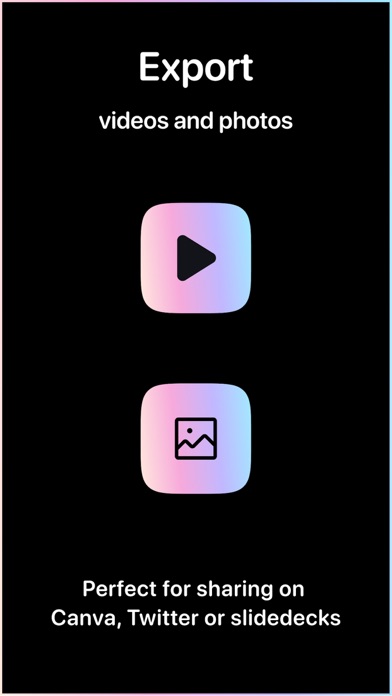
Create elegant exports, ready for sharing in Twitter, Canva or Instagram, or for presentations in Keynote, PowerPoint or Google Slides.
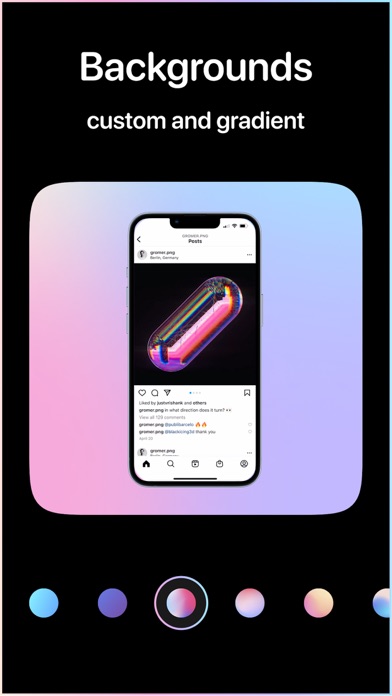
BACKGROUNDS
Select from a range of curated backgrounds to match perfectly with your images and videos, or export with a transparent background for that extra bit of customization.
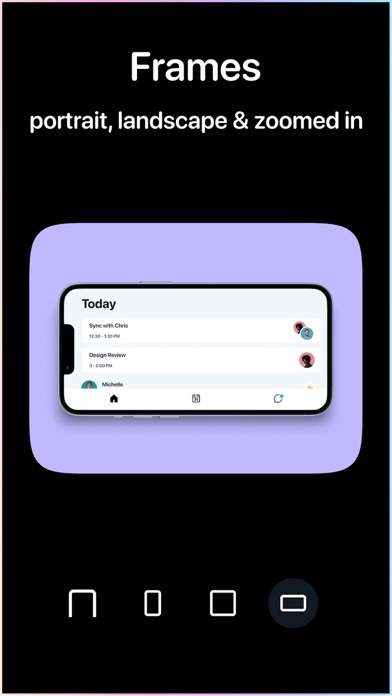
MULTIPLE EXPORT SIZES
Export in crisp square, sharp portrait, bright landscape or a focused zoomed-in formats for use across web, socials, or presentations.
GIF EXPORT
Convert your video recordings into eye-catching GIFs, perfect for social media and messaging apps.
SCREENSHOTS, RECORDINGS, PHOTOS, VIDEOS
PopFrame works with all media types in your photo library.
If you have love or feedback to share, please drop us a line at [email protected].
Terms of use: https://popframe.app/terms-of-use
Privacy Policy: https://popframe.app/privacy-policy