
iPhone Screenshots

Description
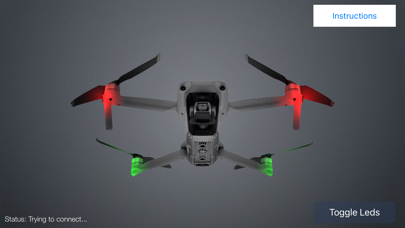
This app allows you to turn on or off the leds of your mavic air
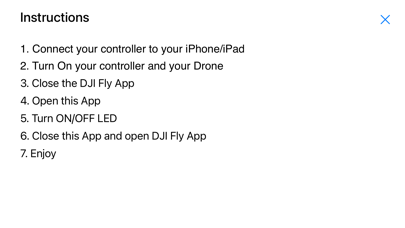
Instructions
1 connect your controller to your android
2 turn on your controller and your drone
3 close the DJI Fly app
4 open this app
5 turn on/off LED
6 close this app and open DJI Fly
7 Enjoy
note: you can only use one app connected to your drone at a time
you can close the dji app and open this app to turn off or on the leds in flight