
iPhone Screenshots


Description
[Home]
1. Add
2. Trash can (delete)
Long press the stickers to adjust the order
[Edit]
1. Back to Home
2. Choose the color
3. Choose a Type
Note, list ,Number list ,Time list
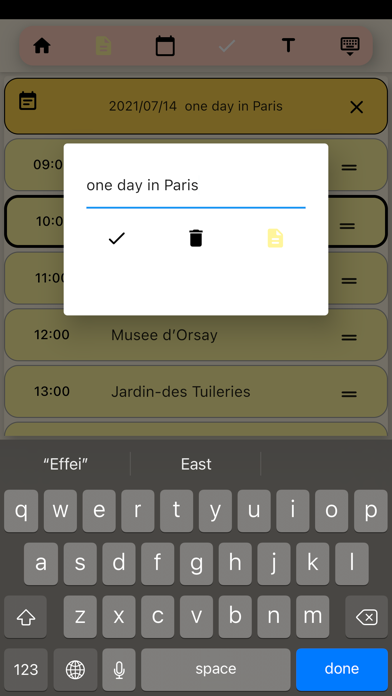
Time list can be set as [Daily Itinerary]
The first row can be set to cancel the itinerary
Swipe to the right and there is a button to add the item to the calendar
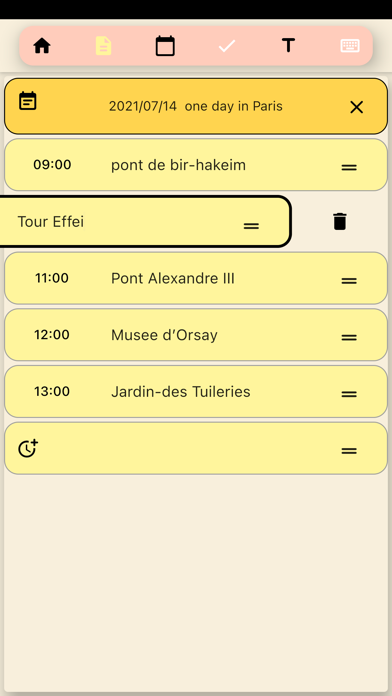
long press to adjust the order
swipe left to delete
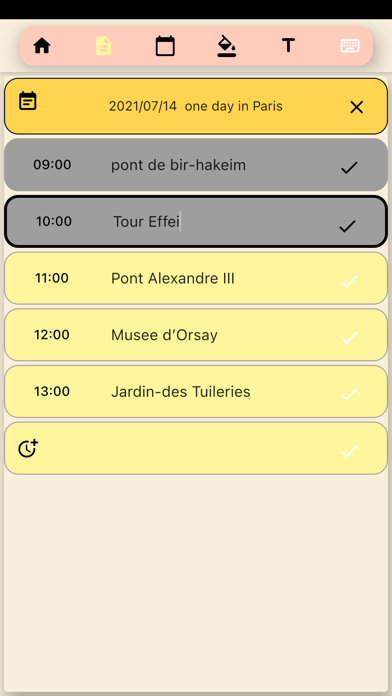
4. Check
Lists can be added [check]
[Check] or [Full color]
5. Title
Lists can be titled
6 Turn on/off the keyboard
*******************
After finished editing, remember to click the Enter key on the keyboard to save
For the lists, click Enter to save and add the next row