
Check Calendar - Habit Tracker
Record habits with one-tap checks
Naoki Otsu
iPhone Screenshots

Description
Track habits by tapping entries. Add notes for details. Create unlimited categories for organization. Customize checkmarks with emojis. Generate progress reports. Set notifications for reminders. Backup and restore data.
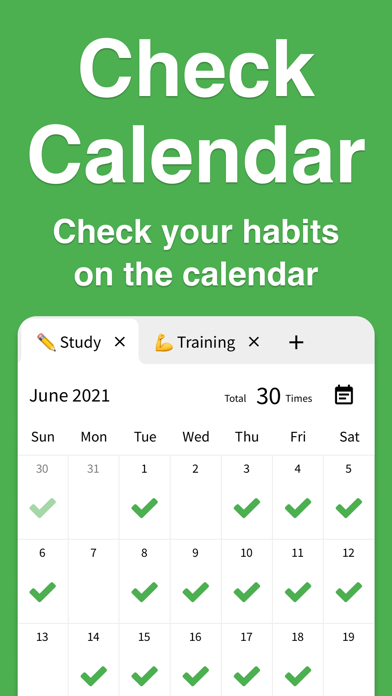
Check Calendar lets you tick your calendar to record habits.
It packs one-tap checks, notes, unlimited tabs, emojis, reports, notifications, backup/restore, dark mode, and more.
■ Check on the calendar
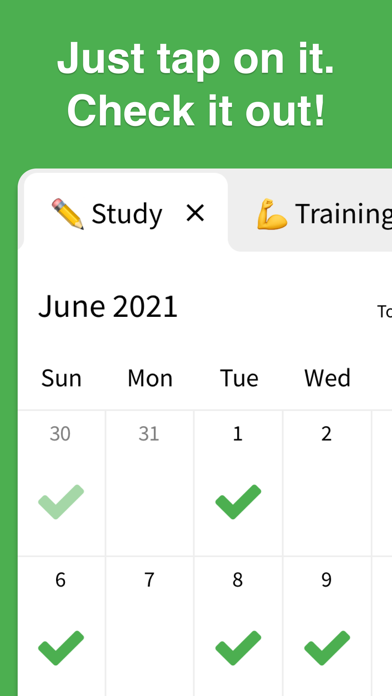
Record habits with a single tap on the calendar.
■ Notes
Supports short or long notes—write freely and keep everything.
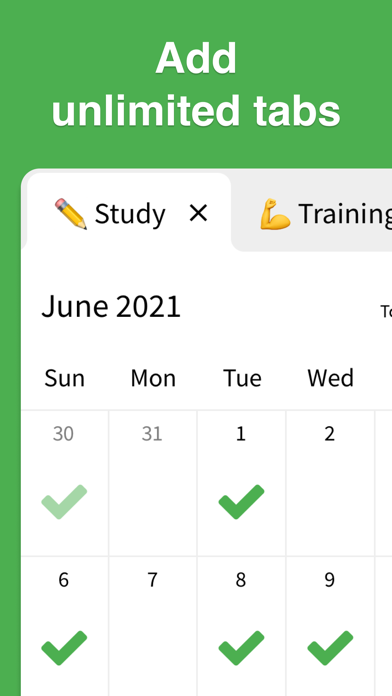
■ Unlimited tabs
Create limitless categories like "Workout," "Study," or "Reading."
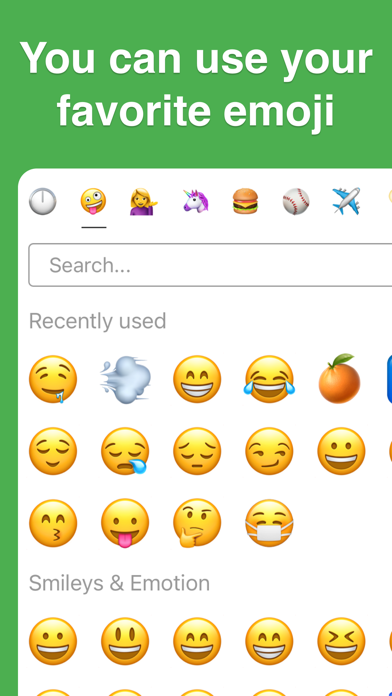
■ Emojis
Change checkmarks to any emoji you like.
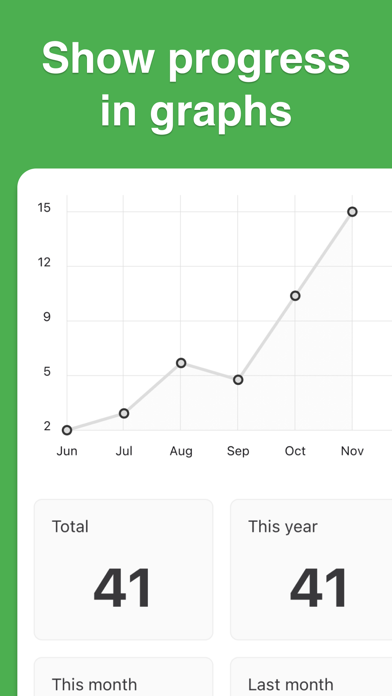
■ Reports
Visualize habit progress with graphs. Switch periods such as "Last 7 days," "Last 28 days," or "Last 6 months."
■ History
View check history and past note lists in one place.
■ Notifications
Send reminders with your preferred message at your preferred time to prevent forgetting habits.
■ Backup/Restore
Automatically back up and restore data, even when moving to a different device.
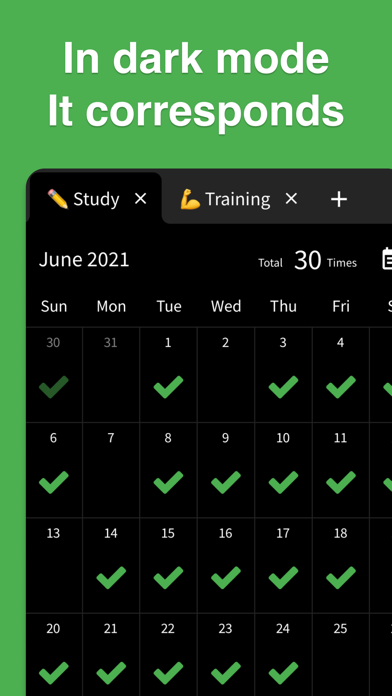
■ Dark mode
Choose from Light mode, Dark mode, or Auto based on device settings.
■ Color themes
Change the background to any color you like.
■ Archive
Hide calendars you don't want to display.
■ Biometric authentication
Supports Face ID and Touch ID to protect your valuable records.
■ CSV export
Export individual calendars or all data in CSV format.
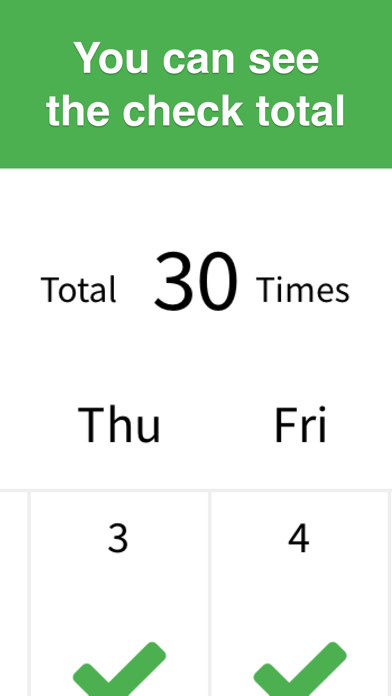
■ Check count
Set how many times per day you can check.
■ Security
Data is stored only on your device and never sent to third parties.
■ No login required
Start using the app right away without signing in.
■ Offline support
Works even without an internet connection.
■ Privacy Policy
https://checkcalendar.app/privacy-policy
■ Contact
[email protected]