
iPhone Screenshots


Description
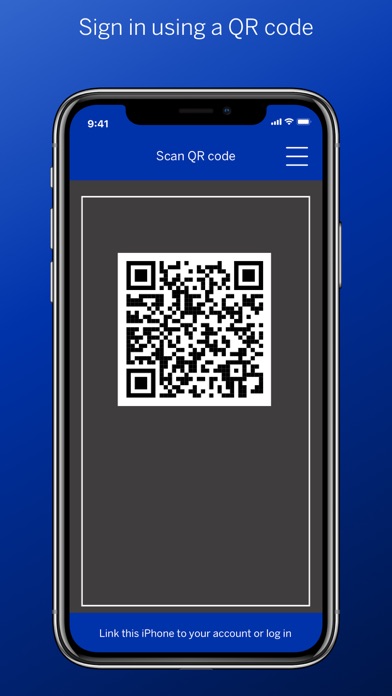
The OneHub Authenticator app allows users to sign into Standard Bank’s OneHub via a two-step process:
1. Scan a unique QR code
2. Authenticate via biometric (fingerprint and/or facial recognition) or a pin
This process provides users with a more user-friendly and secure way to access to OneHub.
Features include:
- QR code scanning
- Multi factor authentication:
- Finger print scanning
- Facial recognition
- 5-character pin
- Registration of multiple devices (both tablet and mobile phones)
Device requirements:
- Camera needed for scanning the QR code
- If biometric capability is not available on your phone, then the app will use the pin authentication as the default
Legal info
By installing this app you agree to the terms outlined in our privacy statement.