
TREASURE LIGHT STICK
Sync with smartphone via Bluetooth
YG PLUS, Inc.
iPhone Screenshots
Description
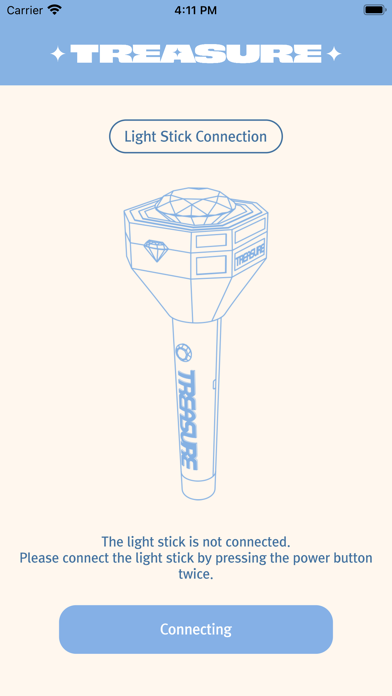
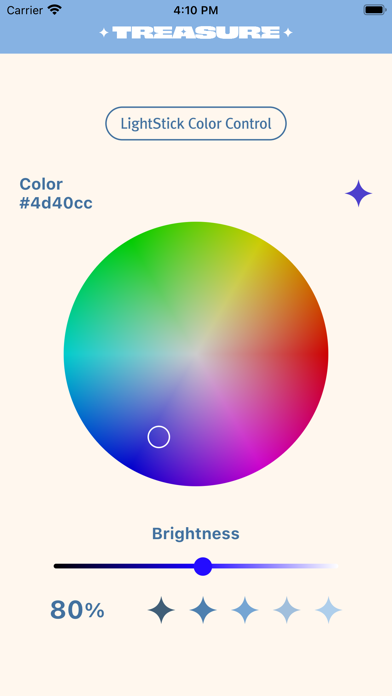
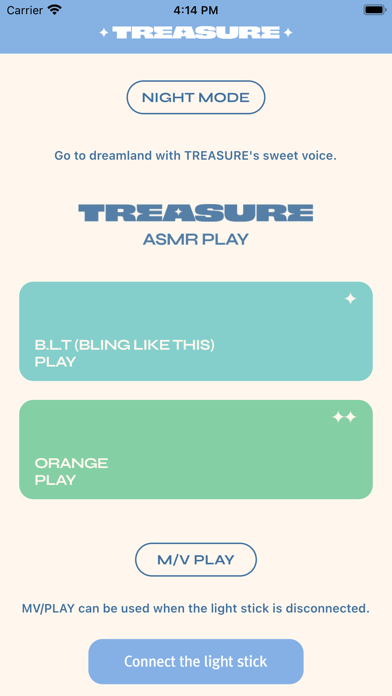
Control via Bluetooth connection. Pair device by pressing button twice and enabling Bluetooth on smartphone. Sync with phone screen for interactive use. Adjust brightness and color settings through .
TREASURE LIGHT STICK
Light Stick to Smartphone Bluetooth
Turn on the light stick and press the button twice to enter Bluetooth mode.
If you turn on the Bluetooth function of your smartphone and the light stick is close to your smartphone screen,
The light stick and the smartphone are interlocked.
[App access authority guidance]
Paragraph 1 of Article 22-2 of the Information and Communications Network Act (About information stored in mobile communication terminals and installed functions)
Notice the reason and follow the procedure for consenting access) to guide you with the necessary access rights when using the app as follows.
[Selective Access]
- Storage: Used for performance information
- Location: Used for BLE connections
- BLE: Used to connect cheering tools