
ComeBack Mobility - Patient
Monitor WB status and send updates
ComeBack Mobility, Inc.
iPhone Screenshots
Description
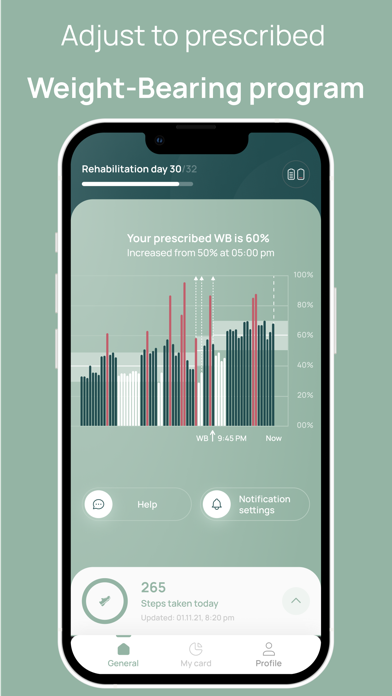
Monitor daily activity levels and receive real-time feedback when exceeding prescribed weight bearing limits. Communicate rehabilitation concerns with a physician. Track progress through data synced to both and doctor dashboards.
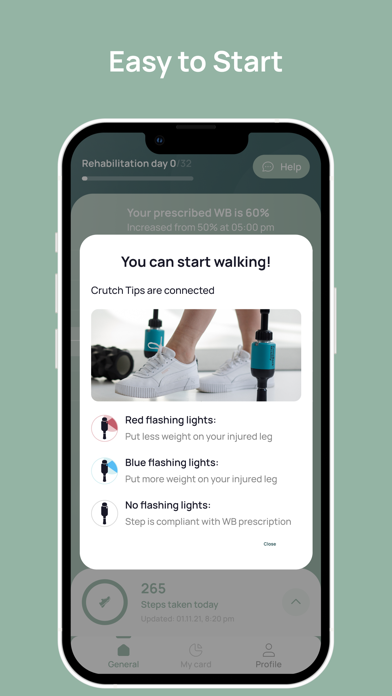
Receive instant feedback when you exceed your doctor’s prescribed weight bearing (WB) status. Communicate your rehabilitation concerns with your physician and monitor your daily activity level
How Does It Work?
- Doctor sets the WB program to increase the axial load during rehabilitation
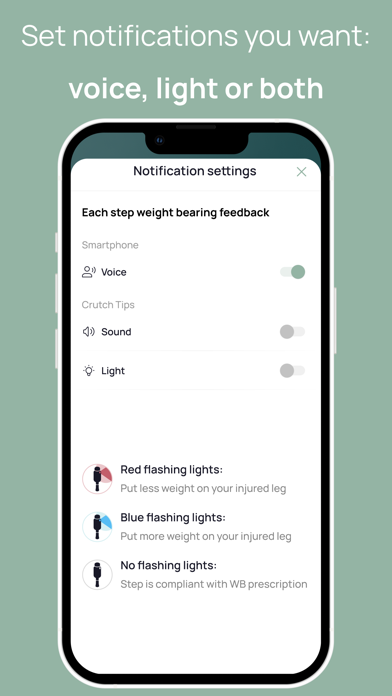
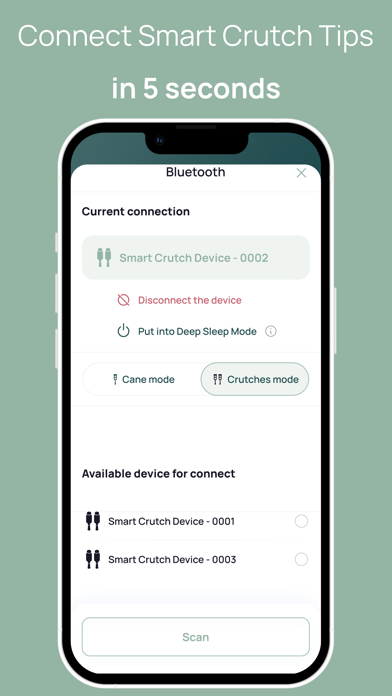
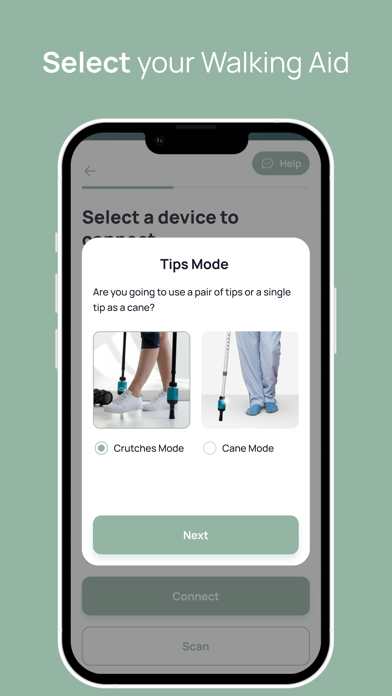
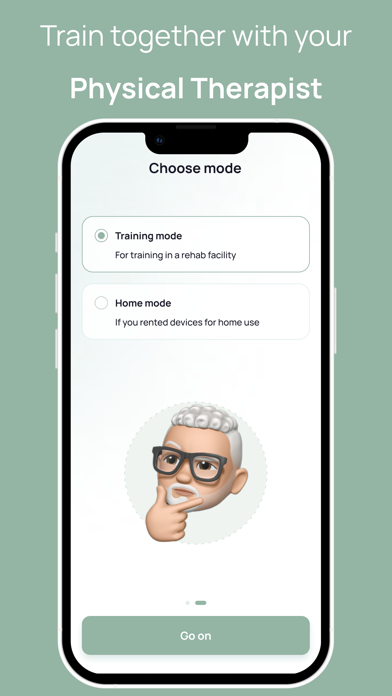
- Patient adheres to the program using real-time feedback cues from the Patient App and Smart Crutch Tips. Data is sent to the patient's phone and doctor's digital dashboard
- Doctor monitors how the patient loads the involved leg per WB restrictions
- Doctor adapts in real time the WB program to the patient's needs
- Patient adjusts the axial load on the involved leg according to the doctor's instructions
Patient’s Benefits With Smart Crutch Tips
- Learn the appropriate weight bearing level as your rehabilitation progresses
- Stay on track with your rehabilitation by following your gait data on the digital dashboard
- Recover at home under your doctor's remote supervision
- Facilitate your recovery by decreasing possible risks of complications from overloading or underloading your surgical or injured leg
Smart Crutch Tips: Take Control of Your Rehabilitation