
iPhone Screenshots

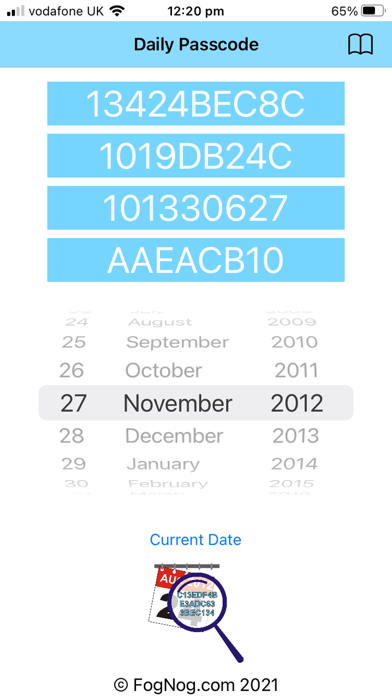

Description
Daily Passcode uses date information to generate a Passcode.
4 codes are created for each day selected.
Instead of trying to remember your passwords you only need to remember a date. Then you can use any of the 4 generated Passcodes as your password or combine them.
if you need to add special symbols or lowercase characters to a Password
you can use the generated codes as a reference and add the special characters within the code.
It will be up to you to remember where you need to add them.
For Example:-
Your email requires a new password that must contain a special character and at least one lower case and one upper case letter and one number.
You're rememberable date is 1st April 1984
Daily Passcode generates:
271CD96FD0 and 1BFE640 and 1B12EBD91 and 4010011B
You can use any or combine any.
Using the information we will generate our password using the 1st generated code followed by #a followed by the reversed 3rd code.
Your password will be: 271CD96FD0#a19DBE21B1
Using Daily Passcode will make it difficult for someone to guess you password and all you need to remember is a rememberable date.
When using Daily Passcode, we take no responsibility for your lost or forgotten passwords.
Remember Daily Passcode will generate codes based on a date. If you manipulate the provided Passcode information for your Password, it is up to you to remember your particular sequence / manipulation or additions to the Generated Passcode.