
iPhone Screenshots
Description
Record color, depth, and IMU data using a LiDAR-equipped device. Export datasets to a desktop computer. Includes color images, depth frames, confidence maps, and camera metadata for machine learning and dense mapping applications.
Note: requires a device with LiDAR. The iPad Pro, iPhone 12 Pro or iPhone 12 Pro Max currently have LiDAR sensors on them.
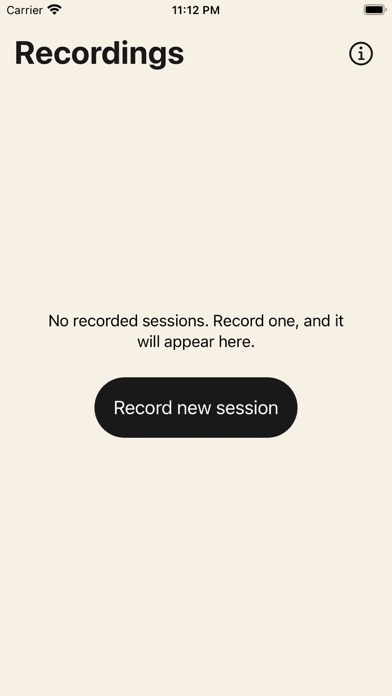
Stray Scanner allows you to record color, depth and IMU datasets and export them to your desktop computer.
For machine learning and dense mapping applications, you need a dataset to work with. Stray Scanner allows you to collect RGB-D datasets with your iPhone. The recorded datasets contain:
- color images
- depth frames from the LiDAR sensor
- depth confidence maps
- camera position estimates for each frame
- camera calibration matrix
- IMU measurements
Once recorded, the datasets can easily be moved to your desktop computer by connecting your device with a Lightning cable and accessing the files through Finder.
Put your iPhone's LiDAR scanner to good use. No more fumbling around calibrating and configuring depth sensors. Shoot datasets straight from your iPhone.