
Interval Timer Plus
Time intervals with one tap and color
Su-Au Hwang
iPhone Screenshots
Description
Allows users to create and manage customizable intervals with names and audio cues. Set multiple intervals with start and stop times. Track progress with full-screen color coding and large fonts. Switch between portrait and landscape modes.
Free, simple and easy to use all purpose Interval Timer
SIMPLE AND FREE INTERVAL TIMER
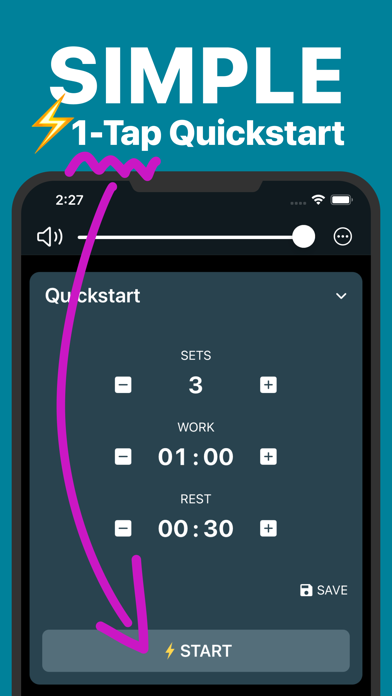
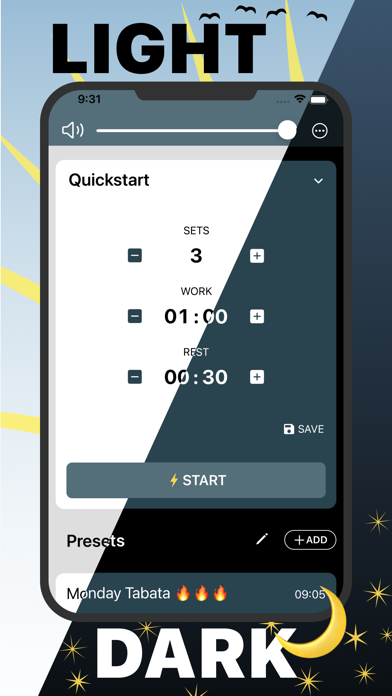
+ 1-Tap Quickstart
+ No signup required, download and get going immediately
GLANCEABLE
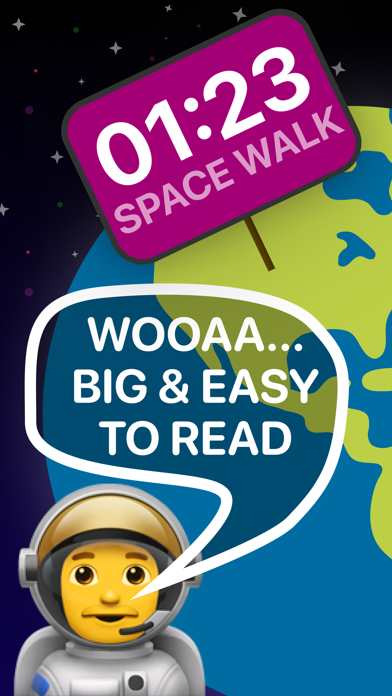
+ Very Big Fonts, visible from everywhere
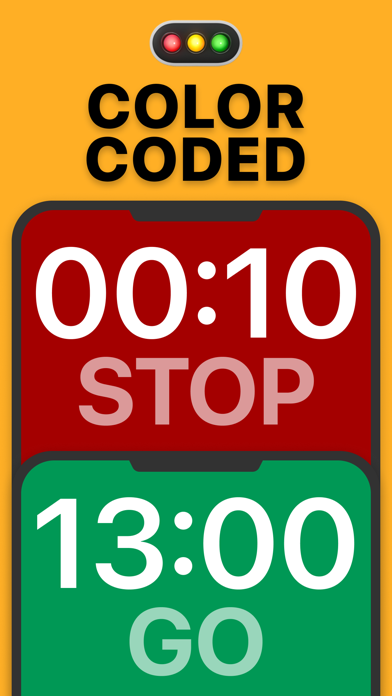
+ Full screen color coding, works like a traffic light right in front of you
+ Portrait or landscape, always uses the full screen space
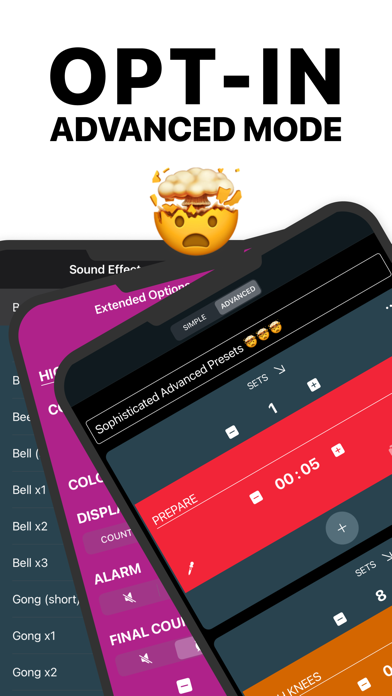
POWERFUL ADVANCED PRESETS
+ Multiple intervals, each individually customizable
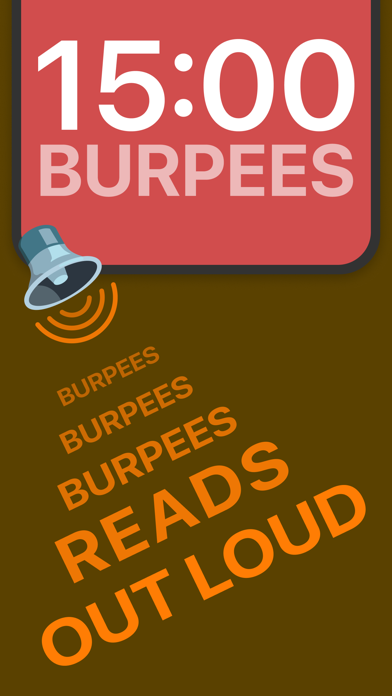
+ Name your intervals and have Interval Timer read it out to you
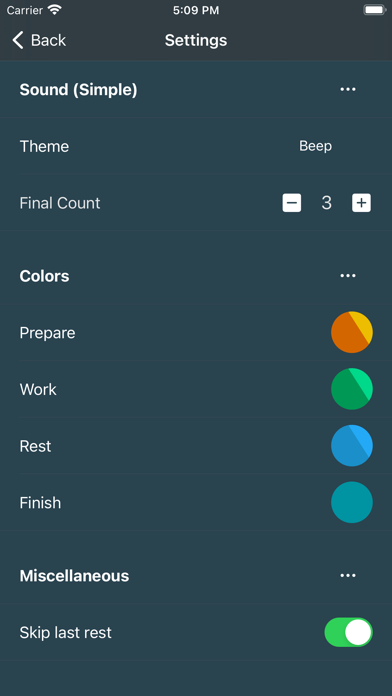
+ Individual colors and sounds
+ Count time or repetitions
+ Unlimited amount of presets
ACCESSIBLE
+ Works with locked screen or while in another app
+ Reads out the interval name, so you know exactly what’s on
+ Vibration or silent mode, for the times when you need to tune it down
+ Works great with headphones and your own music
+ Supports dark and light mode
REPEAT YOUR ROUTINE
+ Prepare and save your settings in presets
+ Pick your presets and start with just 1-tap
OPTIMIZE ALL OF YOUR ACTIVITIES
+ Tabata timer
+ HIIT training
+ Crossfit
+ Circuit training
+ Fitness routines
+ Home workouts
+ Boxing round timer
+ Calisthenics circuit timer