
iPhone Screenshots


Description
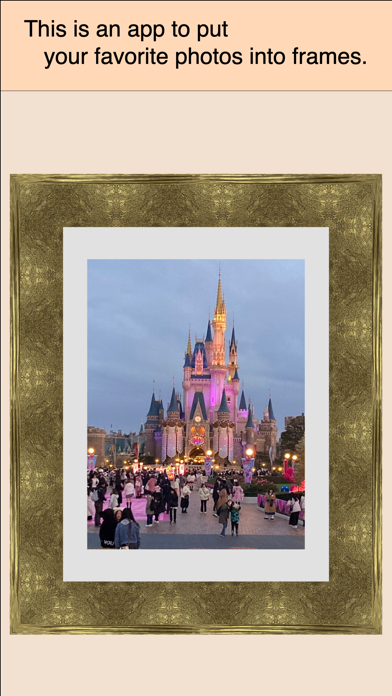
This app will process your beautiful photos and videos to make them appear as if they're in a frame.
Why not display your favorite photos and videos in a frame?
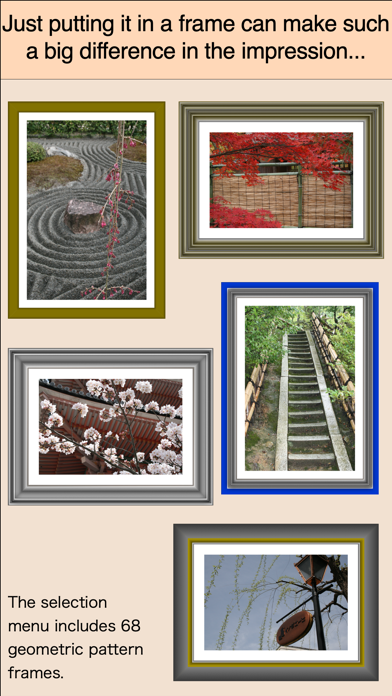
Of course, displaying them in a realistic frame will make them look even more stunning, but even if you don't want to use a frame, this app can easily create a realistic look.
This app can do two things.
The first is to add a frame to a photo file or a single frame of a video and output it as an image file.
Input: A single photo or video frame from your Photo Library
Processing: Cropping (trimming) the image
Output: Photo Library
Output format: JPEG or PNG
Output size: 4 settings
The other is to add a frame to the video itself and output it as a framed video.
Input: Videos from your Photo Library
Processing: Image cropping and video trimming
Output: Photo Library
Output format: MP4
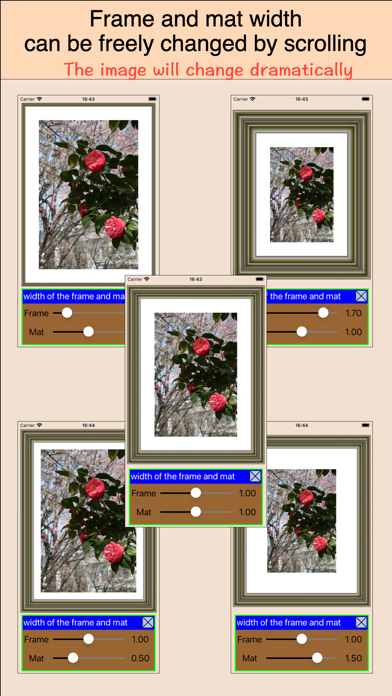
A wide variety of frame designs are available, and the mat width is customizable. Depending on the frame type, the frame width can also be freely adjusted.
Highlight the beauty of your photos and videos by uploading them to social media or sending them to friends with edits made with this app. Imagine the look of delight on their faces.