
iPhone Screenshots


Description
View VR180 and regular 360 videos offline.
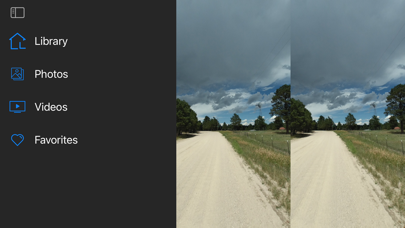
Now supports Spatial Photo and Left / Right stitched images.
Supported files
---------------
- Apple Spatial Photo
- 3D AVI
- MPO
- 180VR video
- 360VR Video
- Adobe VR Photo
- 360 video
- Left Right Stitched video
- Top Down Stitched video
- Left Right Stiched photo
Directions
----------
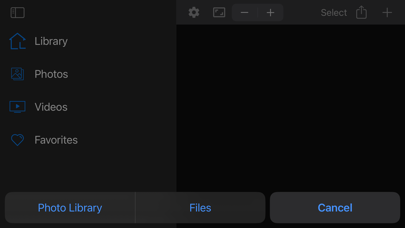
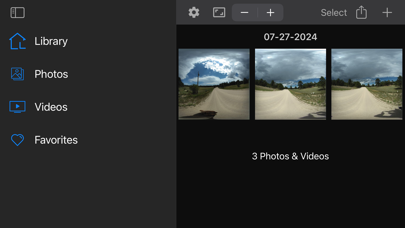
1. Import a 180VR or 360 video using the + button
2. Click the thumbnail icon to view the 180VR or 360 video
3. Long press the thumbnail icon to delete the 180VR or 360 video