
iPhone Screenshots
Description
=== About ===
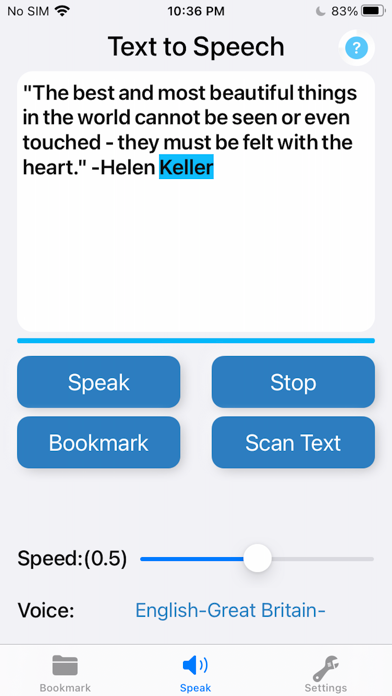
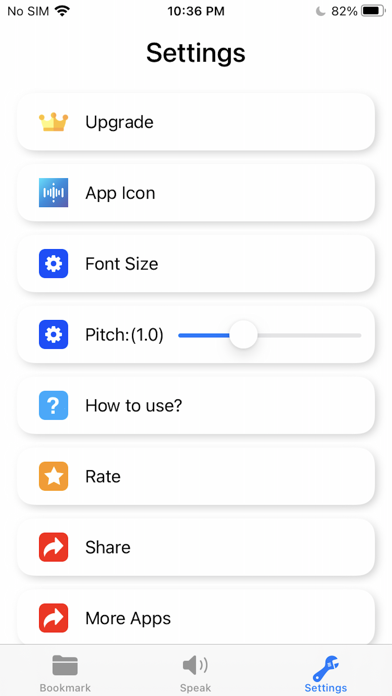
"Text To Speech: Type and Talk" is a Voice Aloud Reader App that produces natural sounding synthesized text from the text that you have entered in. You can adjust the speaker, Speed and Pitch.
"Text To Speech: Type and Talk" support 43 languages.
=== How To Use? ===
1. Enter your text in the text box
2. Choose a voice that match the language
3. Tap "Speak"
=== Features ===
1. Text To Speech: Type and Talk
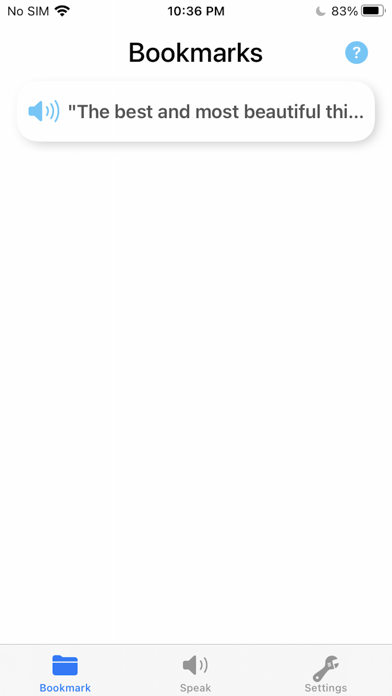
2. Bookmark
3. Highlight spoken text
4. Scan Text OCR
5. Speak for me: read to you TTS
6. Support 43 languages
7. Voice aloud reader
8. Type to speak
9. TTS
10. Adjust the rate and pitch
Note: The free version can use the speak function 8 times.