
iPhone Screenshots

Description
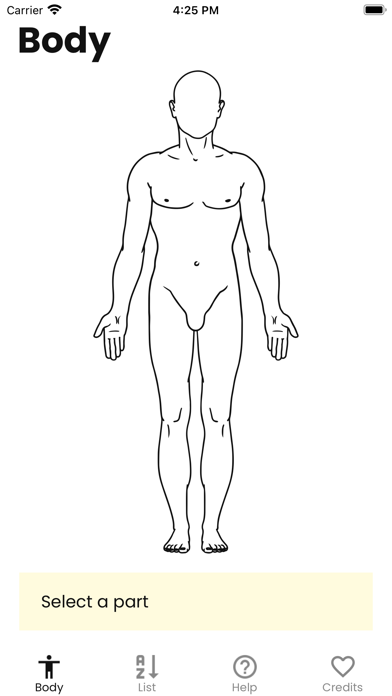
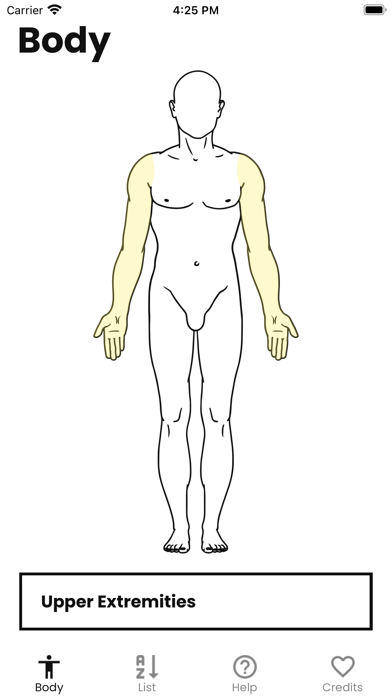
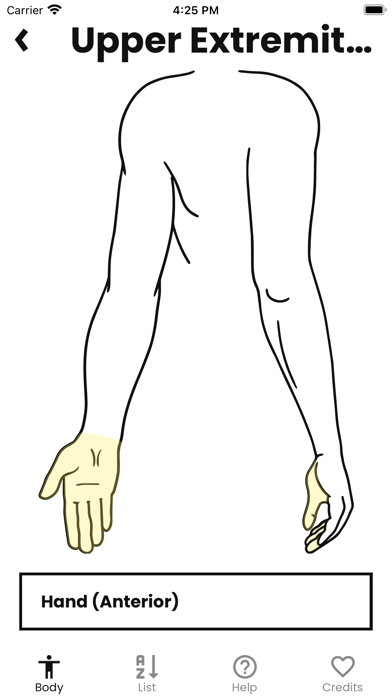
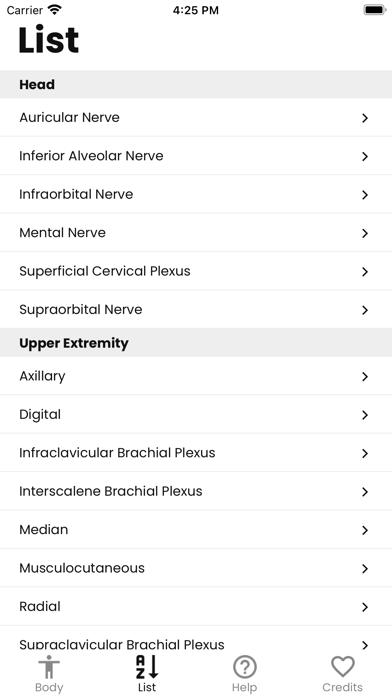
Select a body area to identify eligible blocks. View simplified references with location details and images. Follow step-by-step guidance for administering anesthesia or analgesia. Access resources aggregated from medical content sources.
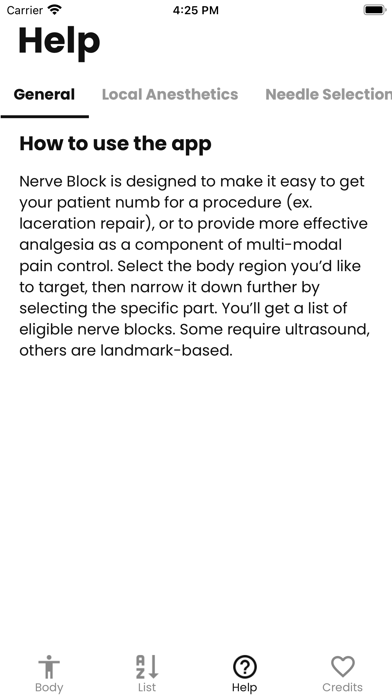
Getting your patient’s pain under control shouldn’t be so hard! With Nerve Block, all you need to do is select the area that you need anesthesia or analgesia and you’ll get a list of eligible nerve blocks.
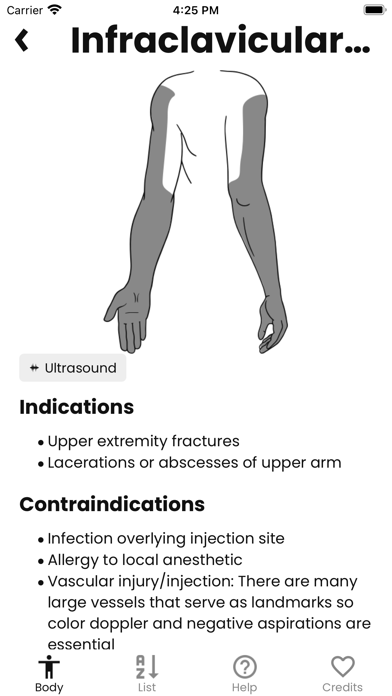
For each nerve block, we’ve created a simplified reference with exactly what you’ll need, where to go, and images to guide you along the way.
1. Select the part
2. Find the block
3. Follow the guide
Nerve Block is a #FOAM project aggregating content from The POCUS Atlas, Denver Ultrasound, WikEM and Highland Ultrasound