
SplitCam Live Streaming App
Stream video to multiple platforms
OMT-LIDER, TOV
iPhone Screenshots



Description
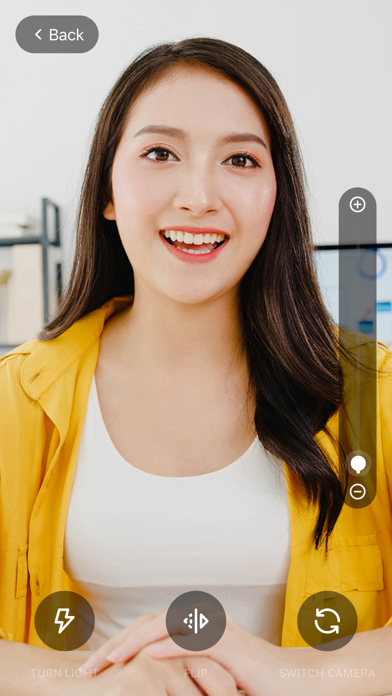
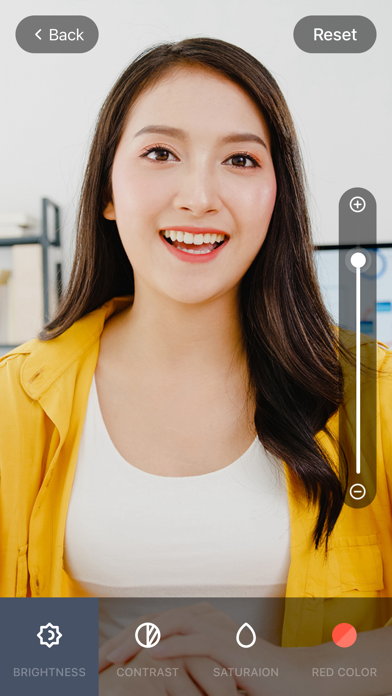
Stream video from a webcam to YouTube, Twitch, and social media simultaneously. Apply filters and effects during broadcasts. Integrate with video conferencing apps for multi-platform .
SplitCam Live is a versatile software tool designed for live video streaming, enabling users to
broadcast video from their webcam across multiple platforms simultaneously, such as YouTube,
Twitch, and social media channels. The software offers various features, including video effects
and filters, enhancing the streaming experience. Additionally, SplitCam supports integration with
various video conferencing applications, making it ideal for gamers, content creators, and professionals
seeking to elevate their online presence with engaging visual content.
SplitCam Live offers several advantages over other streaming software, including its unique ability to
stream to multiple platforms simultaneously, which is ideal for maximizing audience reach.
Additionally, SplitCam Live provides a user-friendly interface, making it accessible for both beginners
and experienced users. The software also supports integration with various video conferencing tools,
allowing for versatile use in different contexts. Lastly, it’s free to use, which can be a significant
advantage for those on a budget.
Why our users prefer SplitCam Live over other streaming software?
1. Multi-Platform Streaming: Stream to multiple platforms simultaneously, increasing your reach
without additional effort.
2. User-Friendly Interface: Intuitive design that simplifies the streaming setup process, catering
to both beginners and pros.
3. Cost-Free: Free to use, making it an excellent option for budget-conscious streamers.
4. Supports Picture-in-Picture mode for background streaming. You can chat or browse the web while streaming.
5. Low System Requirements: Lightweight software that runs smoothly on most modern
iPhone and iPad devices without heavy resource demands.
6. Video Resolution Support: Provides options for high-quality streaming resolutions, up to 4K.
7. Built-In Recording Features: Enables users to record videos directly while streaming, providing
content for later use