
Wevac SV
Control cooking temperature and time
Guangzhou Argion Electric Appliance Co., Ltd.
iPhone Screenshots
Description
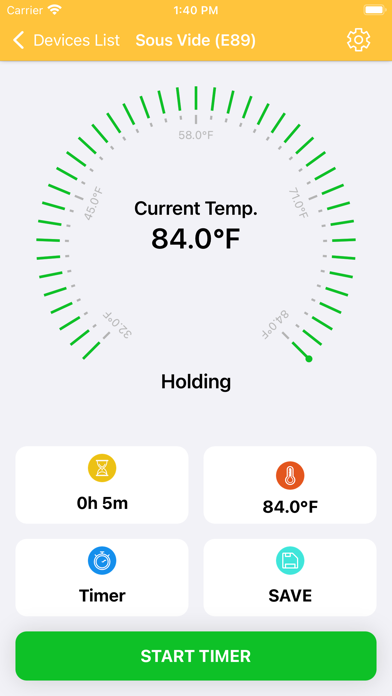
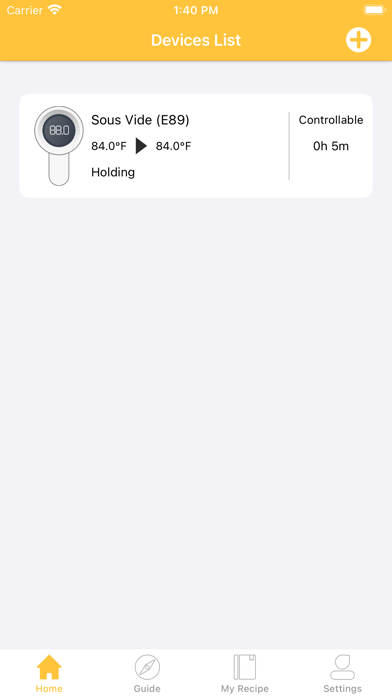
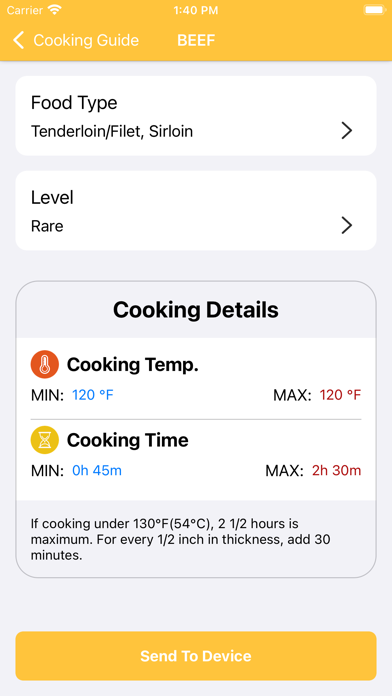
Control the sous vide cooker to start, stop, or pause cooking. Set and adjust temperature and cooking time. Schedule cooking sessions in advance. Switch between Fahrenheit and Celsius. Access cooking guides and customize recipes.
This Wevac APP is your remote controler for your Wevac sous vide cooker. The main functions include:
1. Control the sous vide cooker to start heating, cooking countdown, keep warm or stop cooking;
2. Set the cooking temperature and cooking time of the device;
3. Schedule the device to start and stop cooking in advance;
4. Set the temperature to be displayed in Fahrenheit or Celsius;
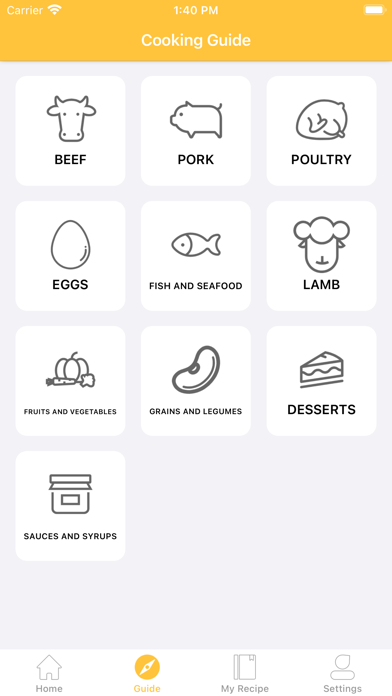
5. Provide users with cooking guide and customize recipe function.