
Mosul Bank Mobile Banking App
Access accounts, view balances, transfer funds securely
Mosul Bank for Development and Investment
iPhone Screenshots




Description
View account balances, transaction history, and branch locations. Send money between accounts, pay bills, and check loan details. Access secure customer area with registered username and password. Switch between Arabic and English interfaces.
Mobile Banking Provides information about Mosul Bank for development and investment, some information are provided for public, and it have a secure area for Mosul Bank customers which require the user or customer to register for username and password and must be an account holder at Mosul Bank to access those information. The APP is written in Bi-Lingual Arabic and English in the same interface to make it easy for customer to use the app without the need of switching theh language.
The APP provides the following info for public:
1- Mosul Bank website
2- Mosul Bank Profile
3- Branches' Locations on Maps
4- ATMs' Locations on Maps.
5- Request open a new bank account.
6- Request open a new MasterCard.
7- Contact Mosul Bank through the APP.
Information provided for Mosul Bank customers are:
1- Secure login using username and password plus IBAN number as DFA.
2- Personal Profile.
2- List of customer accounts.
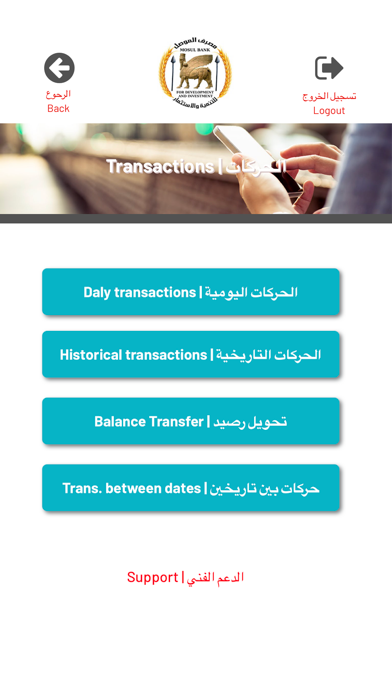
3- Dily transactions on each account.
4- Historical Transactions on each account.
5- Account transactions between two dates.
6- Download the transactions as CSV format and open in Excel or any other CSV-capable software.
7- Query the customer's MasterCard account.
- Daily Card transactions.
- Historical Card Transactions.
- Balance inquiry.
- Account details.
8- Request Money transfer between the same customers' accounts, same currency.
9- Request open a new Bank account.
10- Request issue a new Mastercard.
11- Contact Mosul Bank customer support.
Wish you pleasant use of the app.
Mosul Bank for development and investment.