
iPhone Screenshots




Description
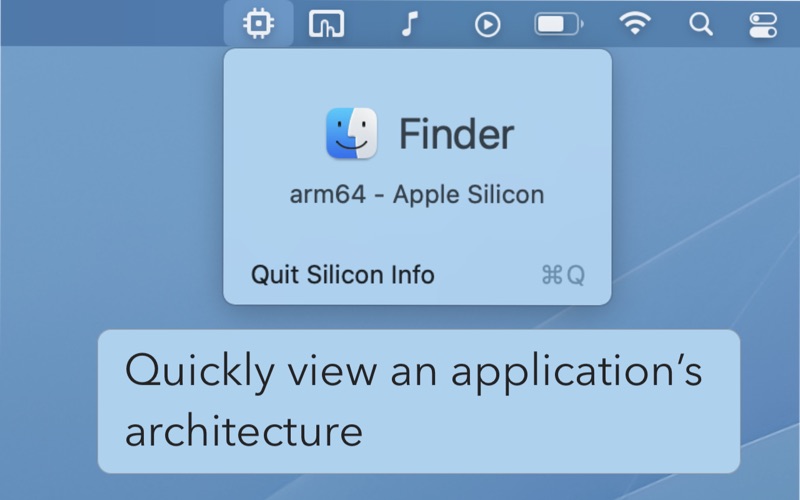
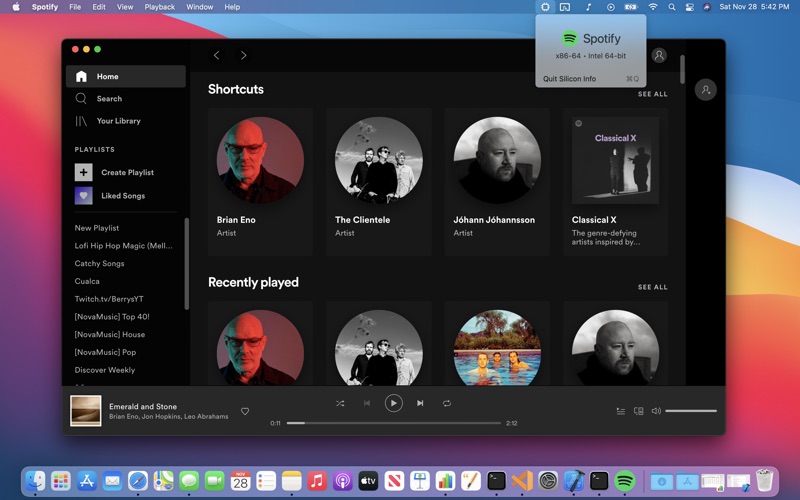
Silicon Info is a tiny menu bar utility that allows you to quickly determine if an application is running natively on an ARM processor or translated through Rosetta 2
• Simply open Silicon Info and click on the CPU icon in the menu bar to determine an application's architecture
• The menu bar icon itself will indicate if the current application is running natively on Apple Silicon with an additional indicator dot.
Silicon Info provides an elegant way to view the architecture of your application without sifting through Finder menus or searching through the Activity Monitor
As seen on 9to5 Mac:
https://9to5mac.com/2020/11/25/check-univseral-macos-apps-m1-support/