
MERCUSYS
Set up and optimize your network
MERCUSYS Technologies Co., Ltd.
iPhone Screenshots
Description
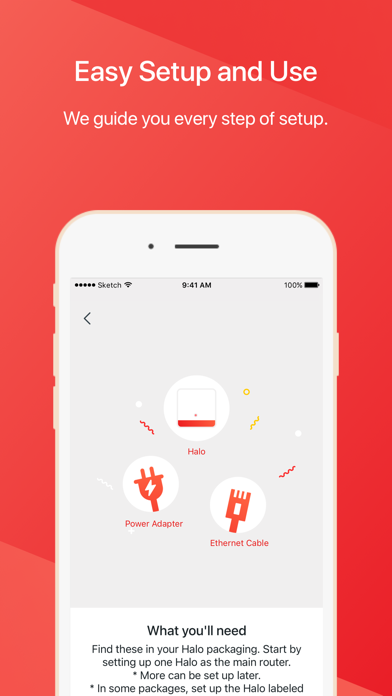
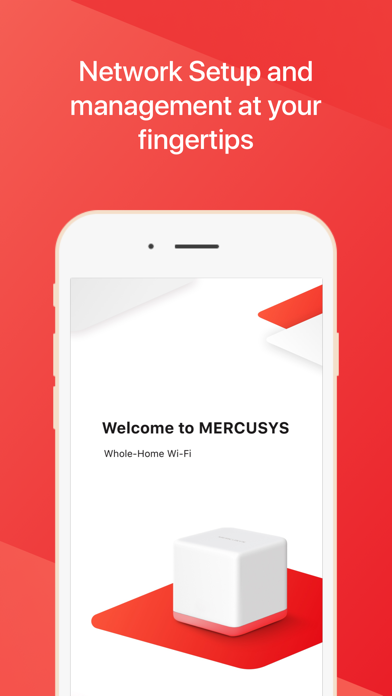
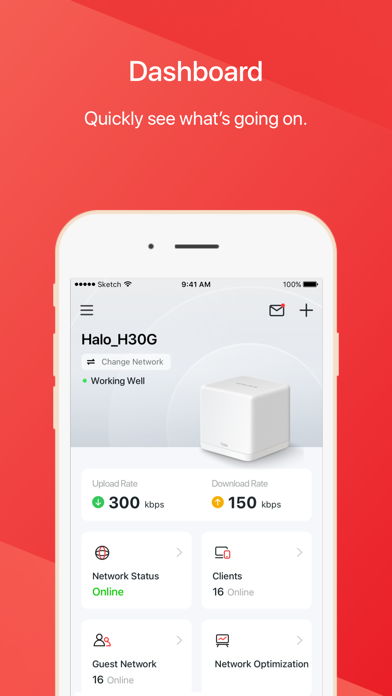
Set up Halo/Router network by connecting units to modem and following instructions. Find optimal placement for additional units. Manage entire mesh Wi-Fi system including network settings, device management, and firmware updates.
To set up your Halo/Router network, simply plug one of your Halo/Router units into your modem and follow the instructions in the MERCUSYS app. The app also helps you find the best spots in your home to place additional Halo units.
Once your Halo/Router network is up and running, you can enjoy faster, stronger Wi-Fi connections that won't drop out, even when you're moving from room to room.
Plus, you can manage your entire Halo Whole Home Mesh Wi-Fi System right from the MERCUSYS app,including:
- Sharing your guest network with visitors
- Viewing which devices are connected to your Wi-Fi
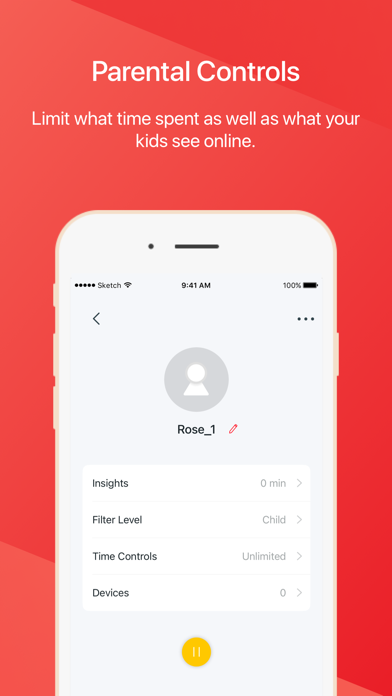
- Restricting access to websites of your choosing
- Setting a time restriction and pause the Wi-Fi on kids' devices
- Controlling when certain devices have Wi-Fi access
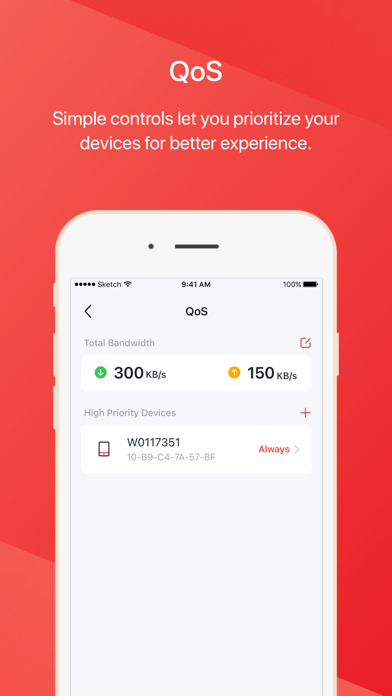
- Picking which devices get Wi-Fi priority
- Adding a family member as a network manager to help you monitor your network
MERCUSYS App has met EAA requirements.
View compatible list of MERCUSYS:
https://www.mercusys.com/support/mercusys-app/#compatible-products
Note: Please make sure you have updated to the latest firmware that supports MERCUSYS.
Privacy Policy:
https://www.mercusys.com/en/app/privacy#sec_a
Terms of Service:
https://www.mercusys.com/en/app/privacy#sec_b