
iPhone Screenshots


Description
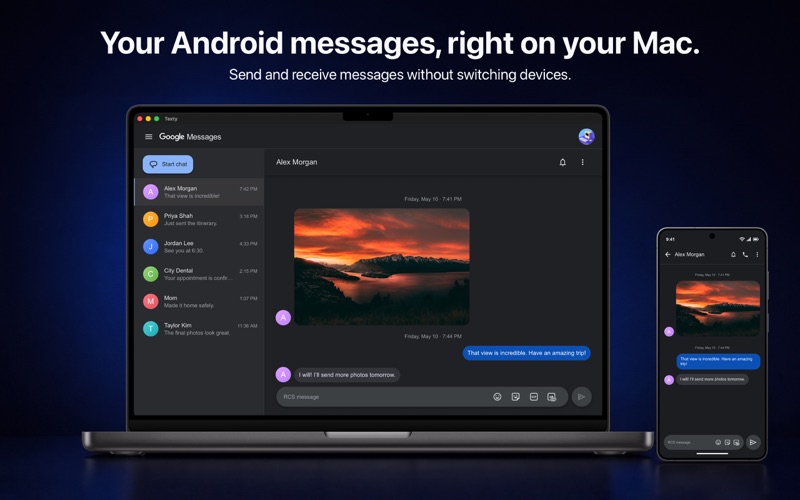
Text from your Mac. Stay connected to your Android phone.
Texty brings Google Messages to macOS, so you can send and receive messages using your Mac’s keyboard and screen. There’s no need to reach for your phone every time a message arrives.
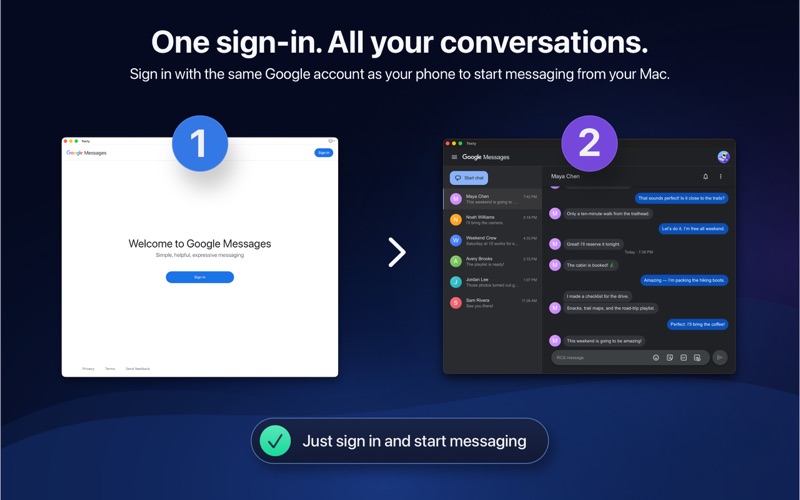
Once connected, your conversations stay synced with Google Messages while your Mac and Android phone are online. Texty runs quietly in the background and displays native macOS notifications for incoming messages.
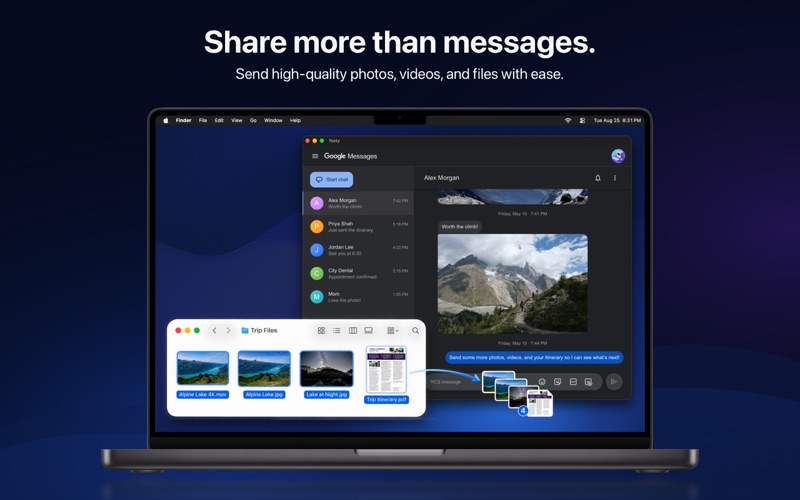
Enjoy the features available through Google Messages, including RCS messaging, typing indicators, read receipts, emoji reactions, file sharing, and high-quality photo and video sharing. RCS also supports full-resolution photo and video sharing with compatible iPhone users running iOS 18 or later.
The essentials are free:
• Send and receive messages from your Mac
• Receive notifications for new messages
• Adjust the interface zoom for comfortable reading
Upgrade to Texty Pro for additional productivity and customization features:
• Reply directly from message notifications
• Copy one-time passcodes from notifications, with optional automatic copying
• See unread message counts on the Dock icon
• Choose custom notification sounds
• Start new conversations from the Dock icon menu
• Choose a custom download folder
• Control how the Dock icon responds to new messages
• Customize the scroll bar style
• Keep the Texty window on its current Space or have it follow the active Space
Texty requires an Android phone with Google Messages.
Privacy Policy:
https://www.tunabellysoftware.com/texty/privacy.html
Terms of Service:
https://www.tunabellysoftware.com/texty/terms.html
Android and Google Messages are trademarks of Google LLC.