
iPhone Screenshots

Description
Tired of emails bouncing back because your photos are too big? Want to reclaim gigabytes of storage without deleting a single memory? JPG Optimizer makes your images as small as possible — while keeping every bit of quality you see. Completely private. Completely on your device.
Tiny files. Same stunning photos.
You'll love it because:
• Email attachments finally go through — no more rejections
• Free up massive space without losing a single shot
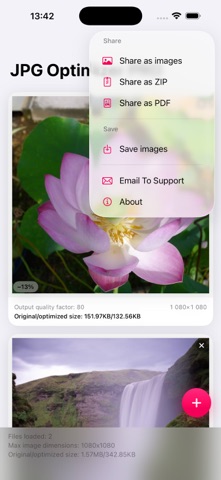
• Optimize entire batches with one set of settings
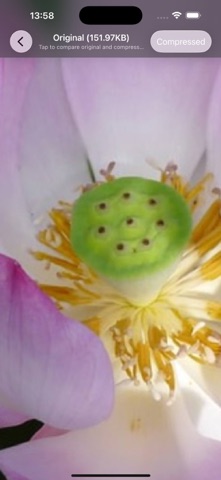
• Tap to compare, pinch to inspect, then share with confidence
Next-level compression:
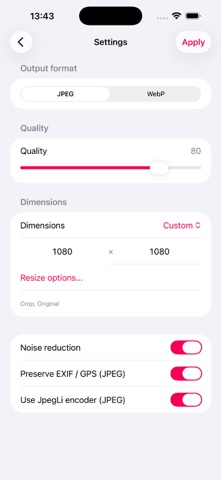
• Jpegli: up to 35% smaller at high quality — still a normal JPEG
• ISO noise reduction for cleaner, lighter files
• Full quality control in your hands
• Keep or remove EXIF / GPS data (JPEG)
• Save as JPEG or WebP
Smart resizing:
• Ready-to-use presets or custom width × height
• Fit with optional colored margins, or Crop precisely
• Choose Original, Portrait, or Landscape orientation
Import from anywhere:
• Library, Files, Camera — even Document Camera for scanning photos and documents
Compare with ease:
• Tap to switch between original and compressed versions
• Pinch-to-zoom stays perfectly aligned
Share your way:
• Single images, ZIP archive, or PDF
• Save directly to a Photos album
Zero uploads. Zero accounts. Zero compromises. Your photos stay yours and only yours.
Try it now — and be amazed at what you've been missing!