
iPhone Screenshots


Description
Customize your iPhone screen with note widgets!
◆ The app is super easy to use! ◆
① Open the "WidgetNote" app, input some texts and save.
② Go back to home screen and press for a while.
④ + button shows up in the top-left/top-right corner, so tap it and choose 'WidgetNote'.
After you select the size, you can see the widgets on your home screen.
That's all!
◆ Sticking points ◆
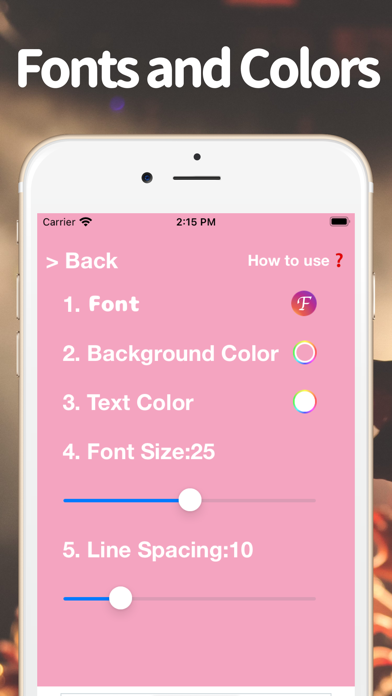
1. Supported many fonts.
2. Supported Dark mode.
◆ Future plans ◆
We will add as many features as possible.
Thank you for your warm support message for the review!